
Time Testing Experiment
Measure what a channel adds, even when you can't test it by region.
A time test measures the incremental impact of one channel. You change that channel's spend for a set period: pause it, cut it, or raise it. Lifesight compares your KPI during that period with a forecast built from your own history. The gap between the two is the channel's incremental impact.
Time tests need no geo split and no user-level tracking. They work for channels that run everywhere at once, such as national TV, radio, podcasts, influencer and sponsorships. They also work for brands with too few regions for a geo test.
Before you change any spend, Lifesight shows the smallest lift your test can reliably detect. So you know the test is worth running before you touch the budget.
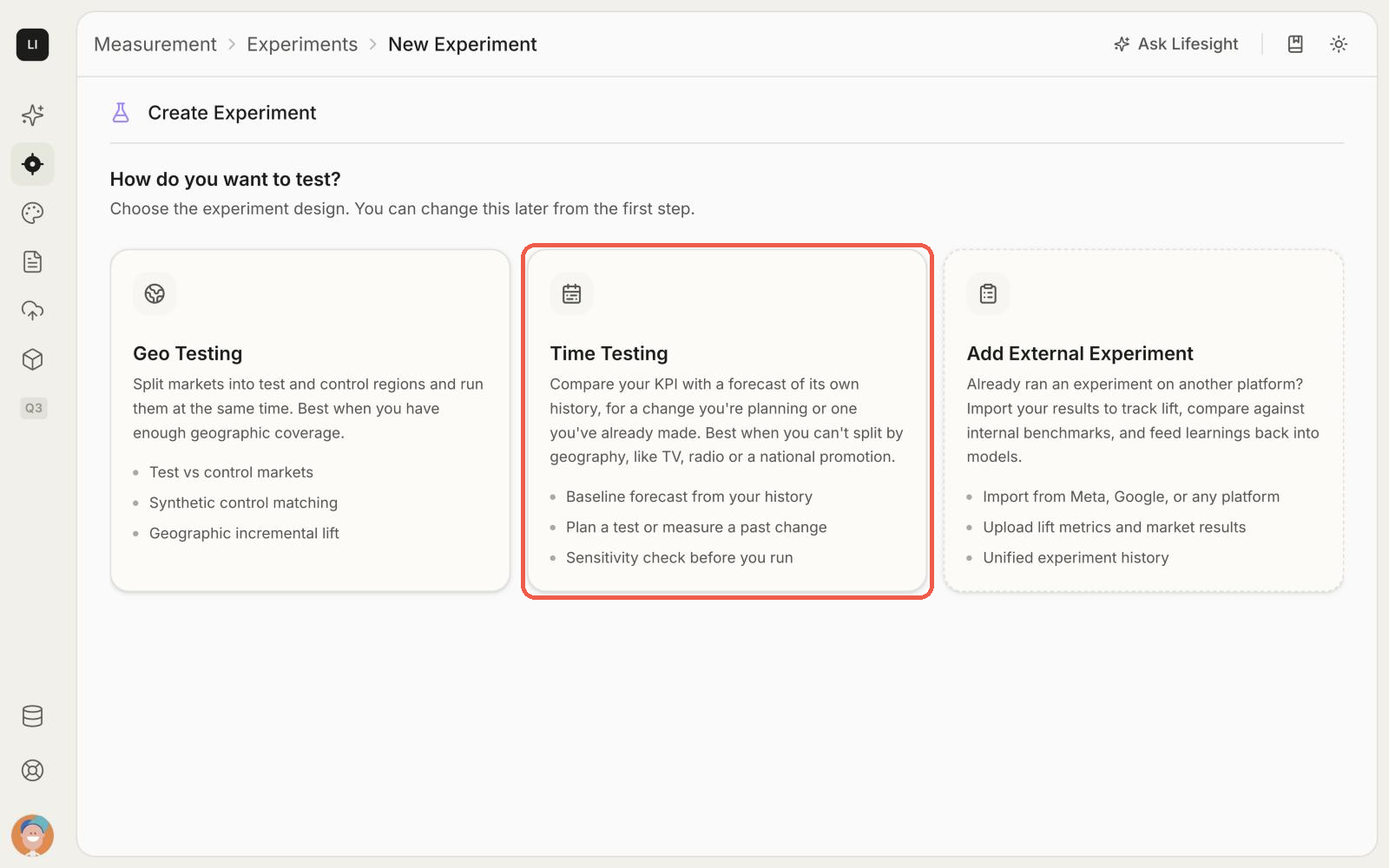
Go from question to measured result
- Set up the test. Name it, write your hypothesis, and choose the channel, the change and the KPI.
- Upload your KPI history. Add a CSV with dates, your KPI and, optionally, spend.
- Design the test. Pick the test length and see the smallest lift it can detect.
- Review and start the design. Lifesight builds the baseline and checks the test's sensitivity.
- Schedule and run the test. Pick a start date and make the spend change in the channel yourself.
- Upload results and measure. When the window ends, upload your KPI for it. Lifesight measures the lift.
- Check what lingers. After the post-treatment window, upload that data too.
Choose how to test the change
- Hold-out: pause or cut spend on the channel. Measures what you would lose without it.
- Scale-up: increase spend on the channel. Measures what more spend would return.
Updated about 20 hours ago