
Meta Ads
Integrate your Meta Ad Manager account with Lifesight
Meta Ads is the unified advertising platform for Meta's vast ecosystem of social apps, including Facebook, Instagram, Messenger, and WhatsApp. It specializes in connecting businesses with a massive consumer audience by leveraging deep user data on personal interests, life events, and digital behaviors.
Connect your Meta Ads Manager Account
By integrating Meta Ads manager account with Lifesight, marketers can unify audience activation, personalize campaigns, and optimize return on ad spend across the Lifesight Unified Marketing Measurement (UMM) platform.
The key features of the integration include
- Data Integration: The integration allows seamless transfer of data (historical spend, clicks, impressions, etc.) to the attribution and MMM modules. This process is crucial for tracking and analyzing the effectiveness of advertising campaigns and also for creating integrated MMM models.
- Campaign Performance Insights: Users have the advantage of accessing their Facebook Ads campaign performance data directly within the Attribution dashboard. This feature provides valuable insights and analytics, making it easier to measure the success of campaigns and make data-driven decisions.
Setup Guide
- Navigate to the Integrations tab in the left-hand menu bar.
- In the search field, type in "Facebook" to locate the integration for this application.
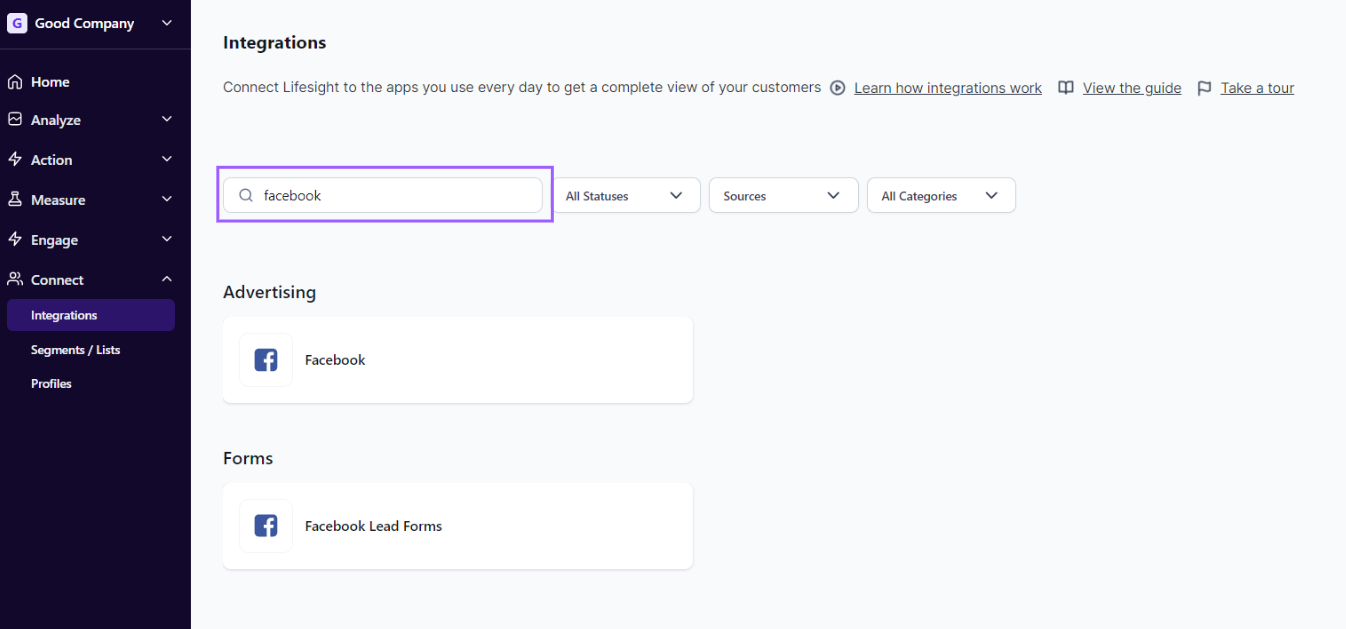
- Click on the Facebook tile and click on the
Connectbutton to begin the integration process.
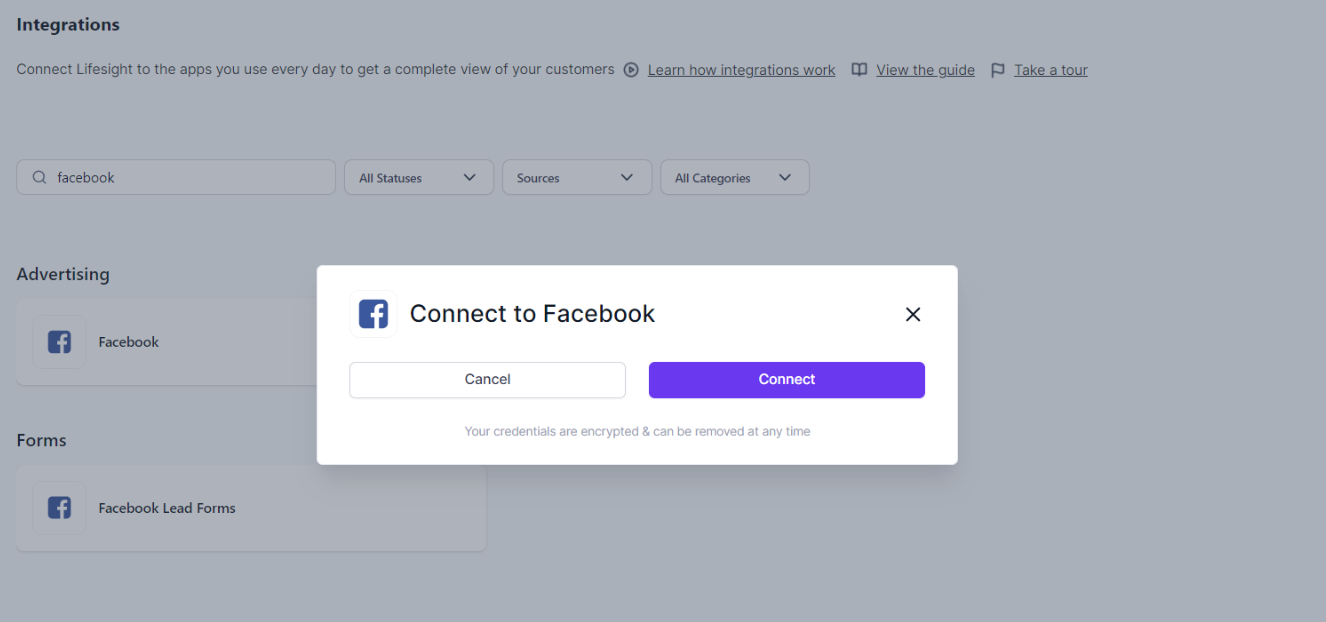
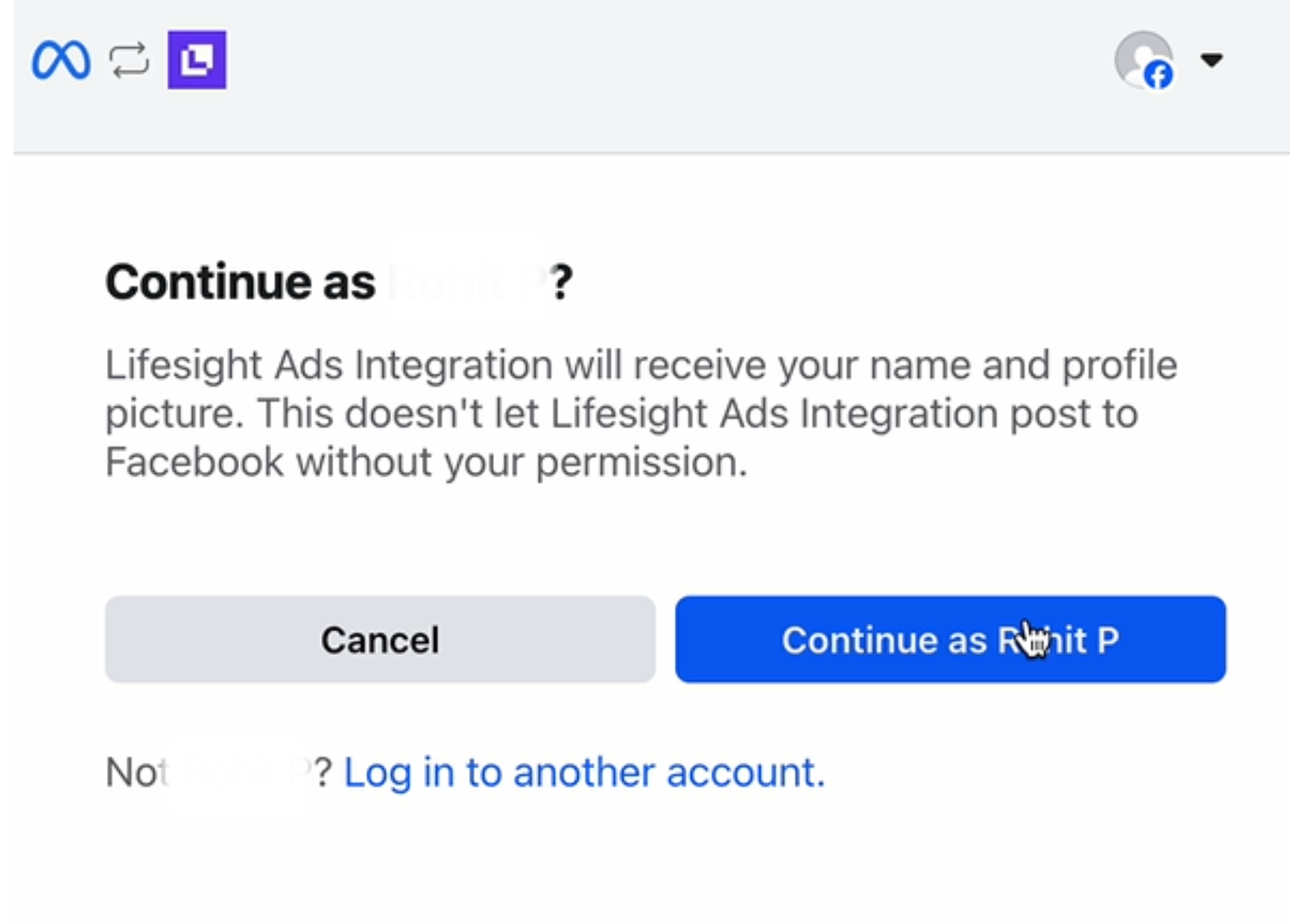
- You will be redirected to log into your Facebook account and allow access to certain scopes. Confirm your Facebook login using the personal account tied to your Facebook business account. Ensure you are logged in to the correct account and click Continue as...
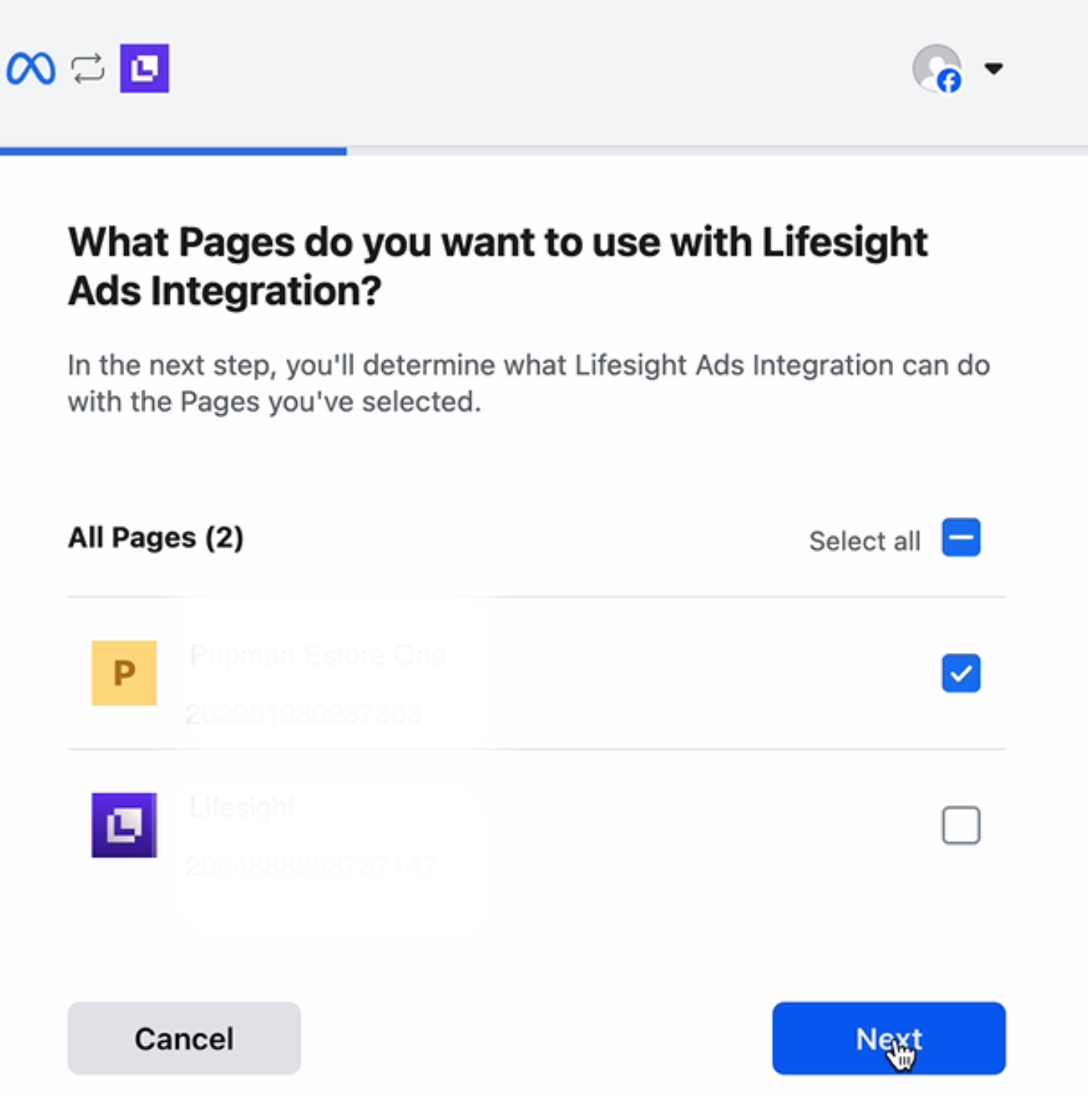
- Choose which page you want Lifesight to access and click continue.
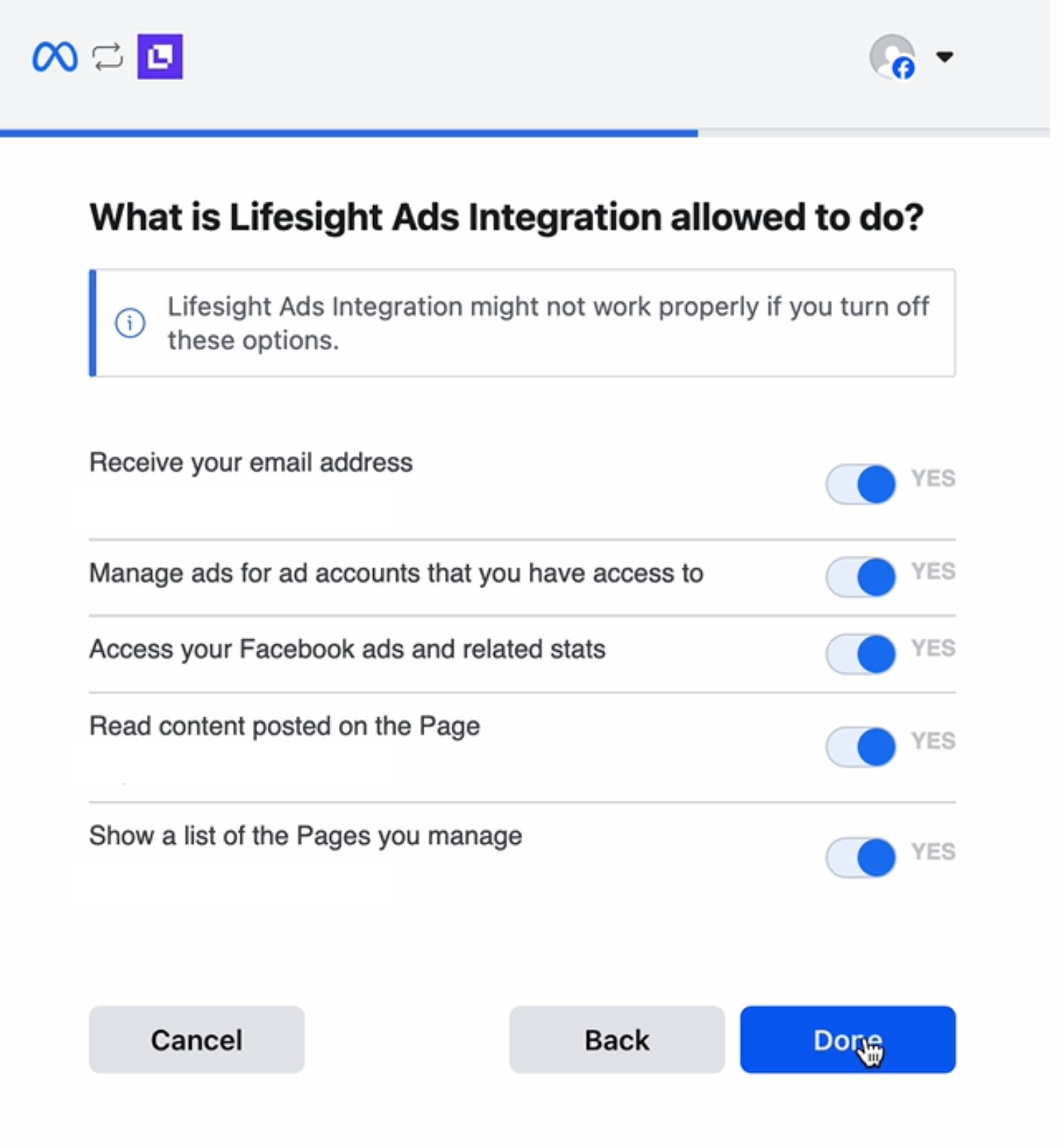
- Review the permissions on the next page and click Save.
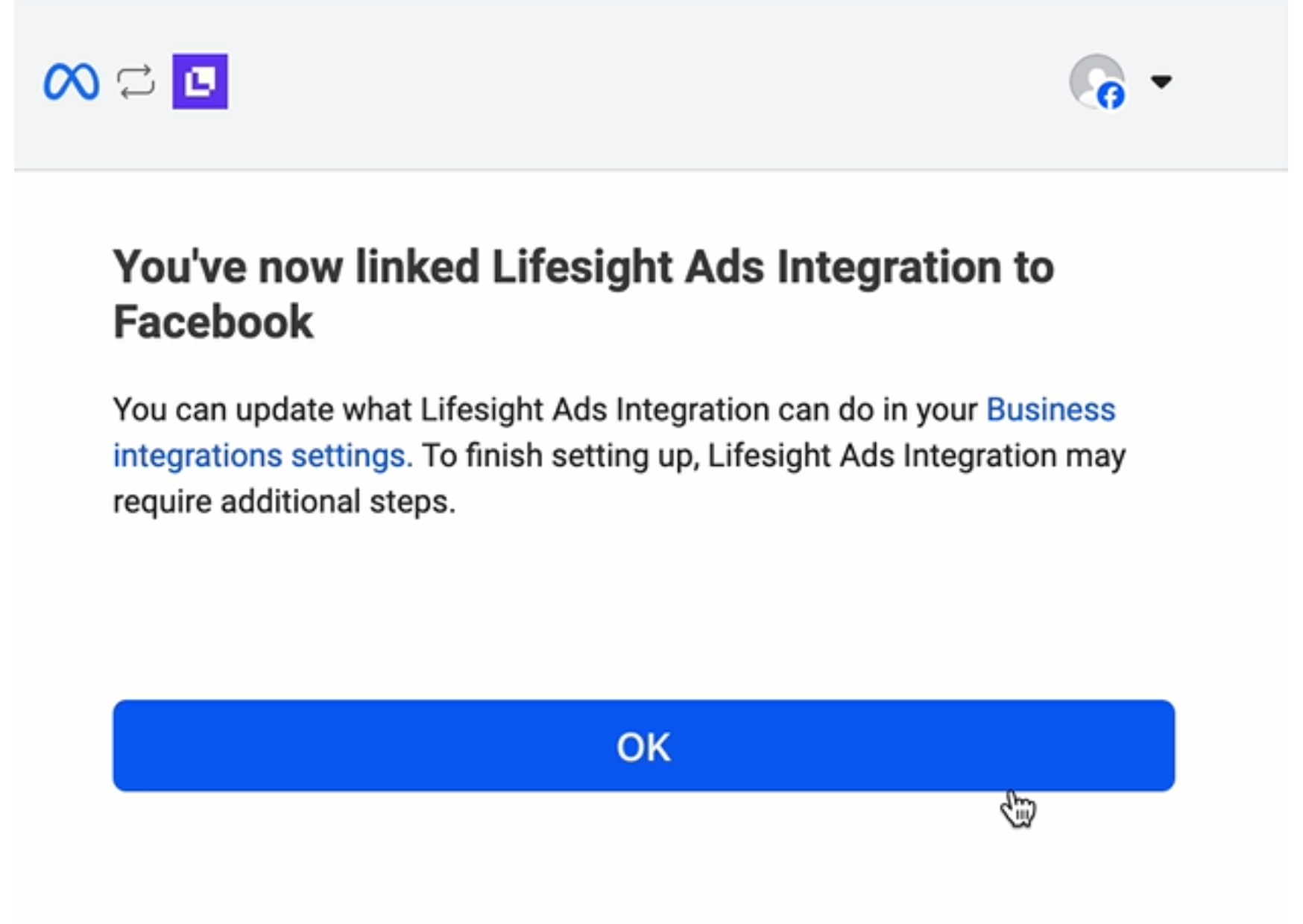
- You'll receive a success message in Facebook. Click Ok to be redirected to Lifesight.
- Once you have successfully logged in, the status of the integration will change to ‘partial’ on the Integration page.
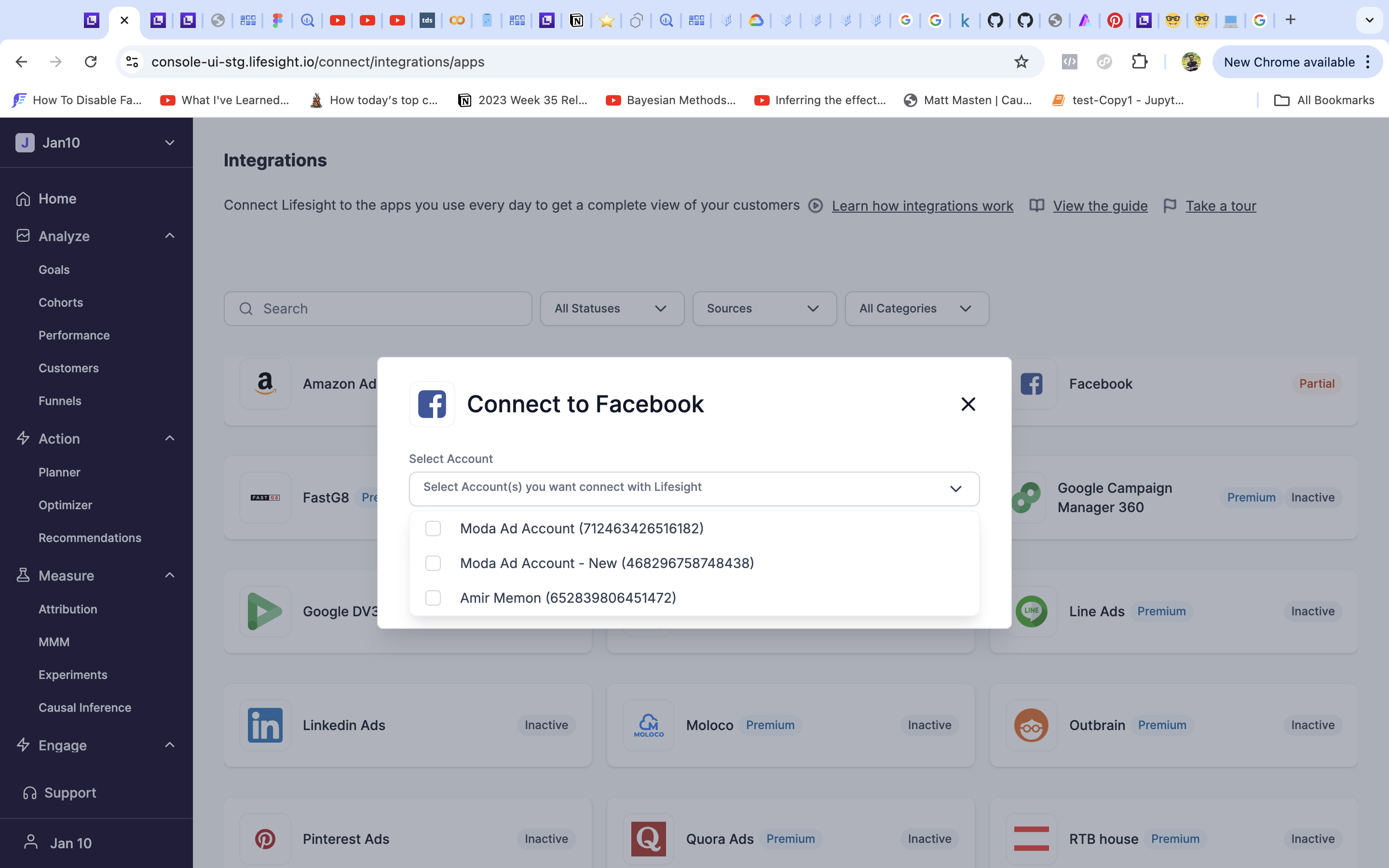
- Click on the Facebook tile and select one or more ad accounts you want to use with the workspace.
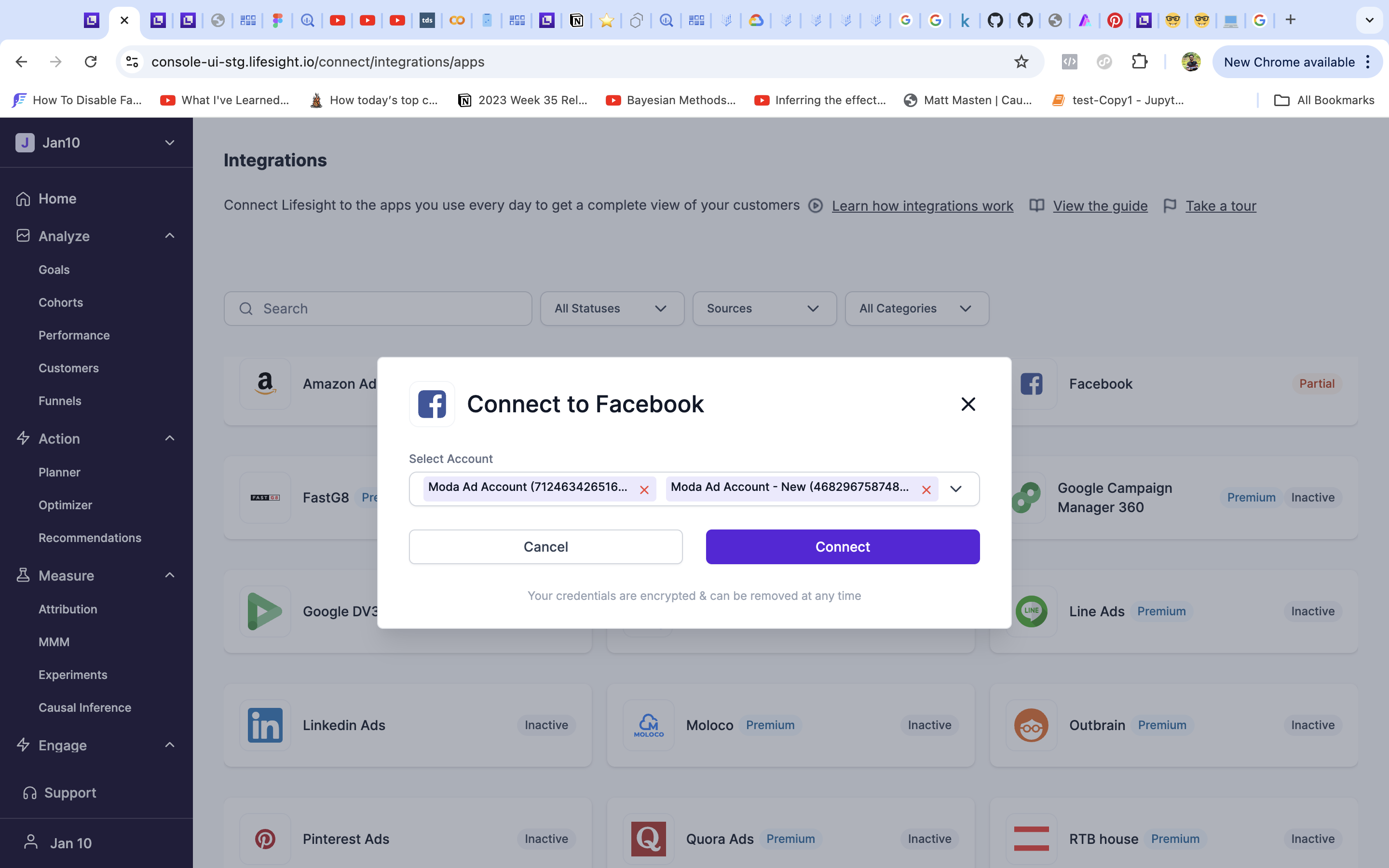
- You will be re-directed to the integration page, and the status will update to 'Active'.
View your synced Facebook data
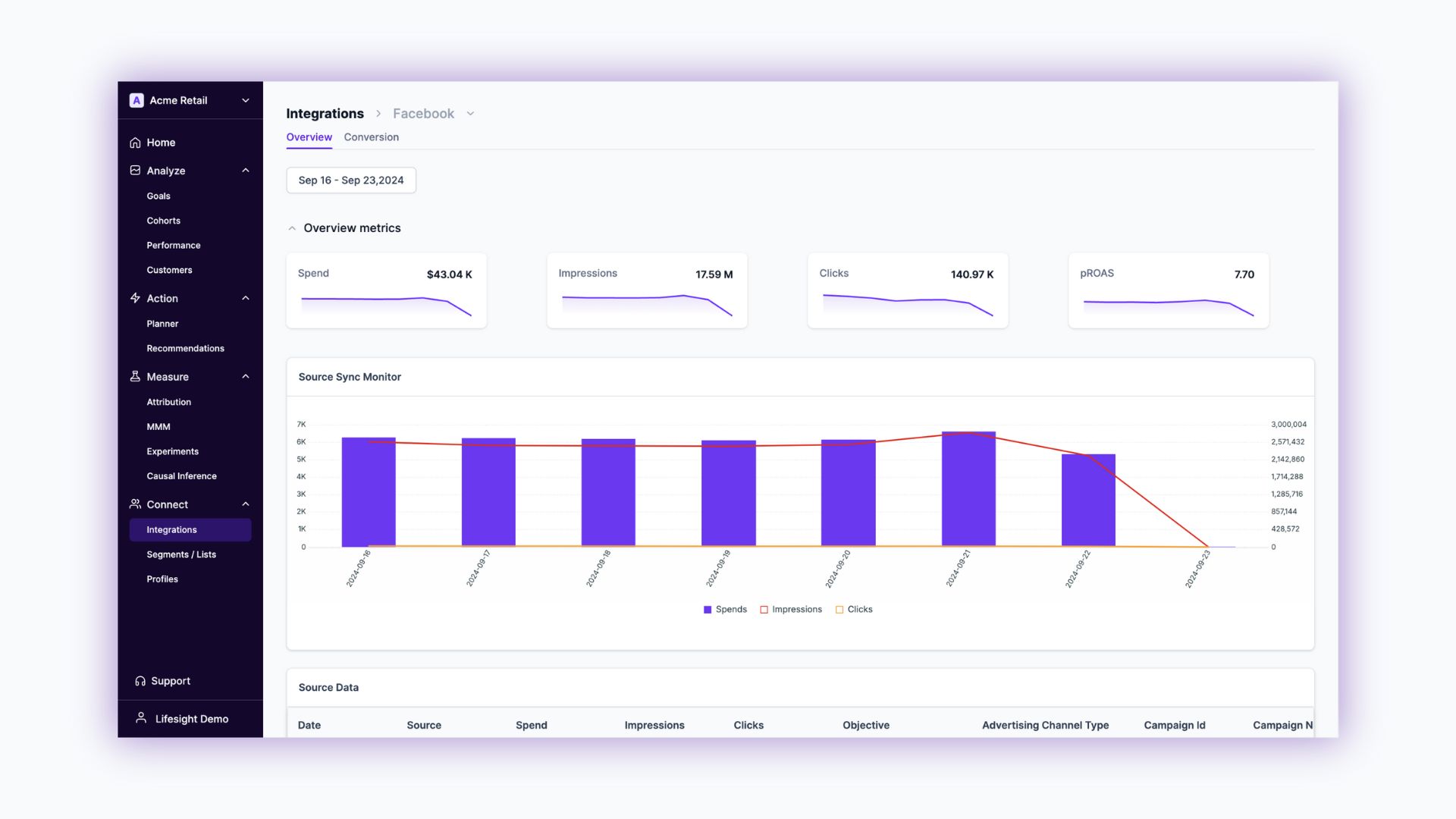
- Click on the Facebook integration tile to view the synchronized data. View spend, impression, click, pROAS and more metrics.
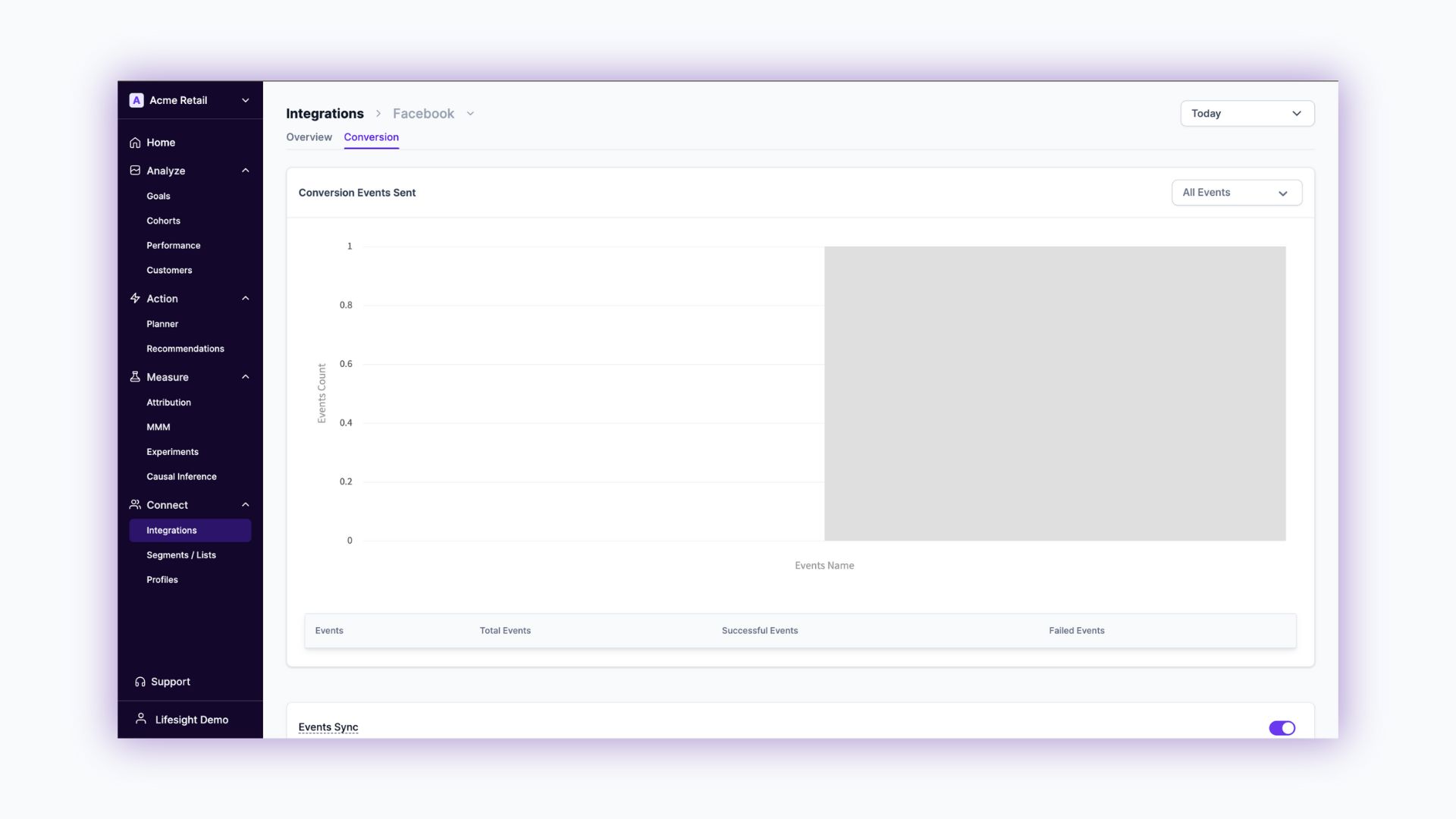
- View Facebook Conversion events in the "Conversions" tab.
Updated about 1 year ago
Did this page help you?