
Snapchat
Integrate your Snapchat Ads Account with Lifesight
Snapchat Ads is designed for brands to connect with a predominantly Gen Z and Millennial audience. It specializes in immersive, mobile-first advertising through vertical video and pioneering Augmented Reality (AR) experiences. The platform excels at driving brand engagement and interaction in a playful, authentic way.
Setup Guide
- Navigate to the Integrations tab in the left-hand menu bar.
- In the search field, type in "Snapchat" to locate the integration for this application.
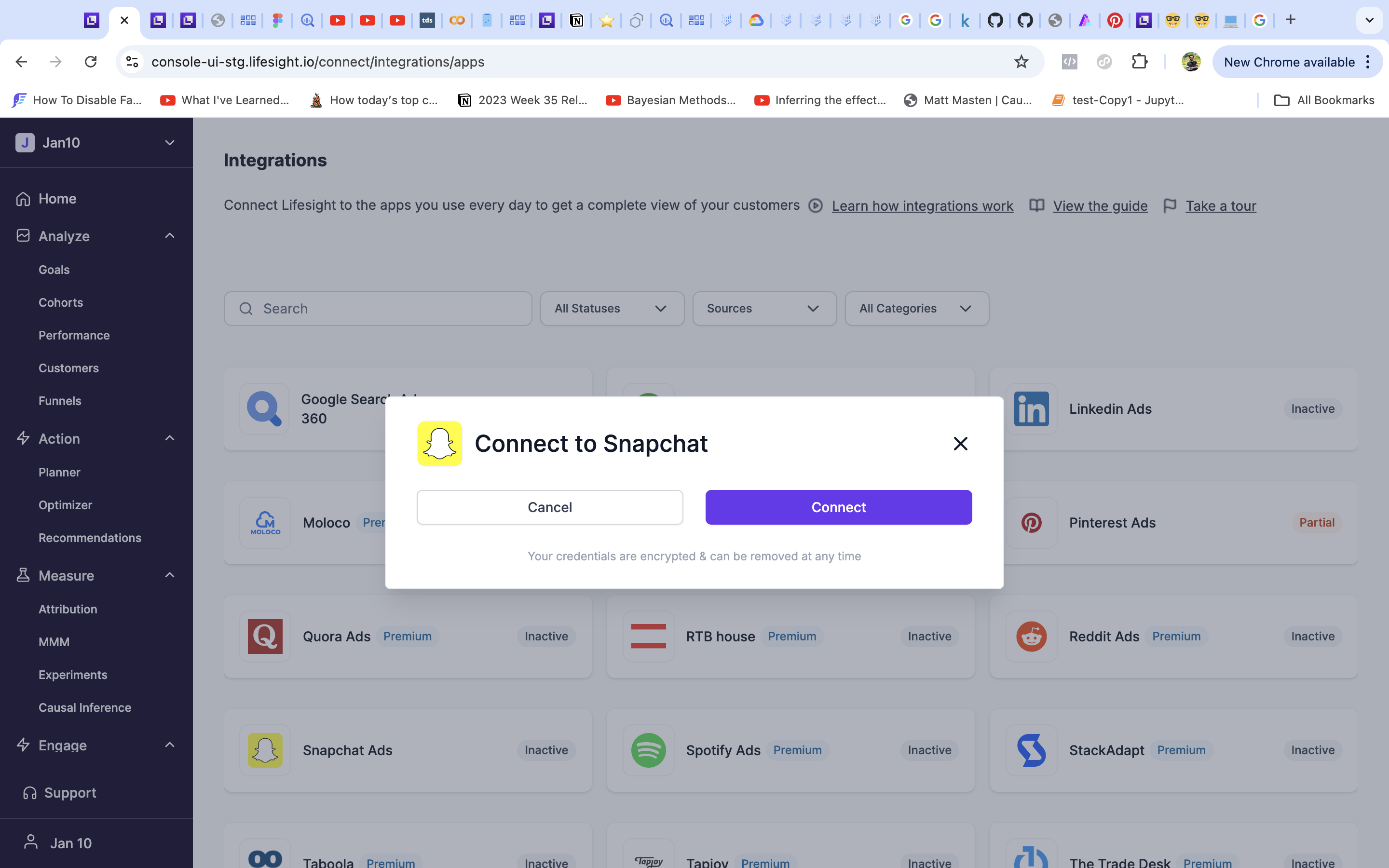
- Click on the Snapchat tile and click on the "Connect" button to begin the integration process.
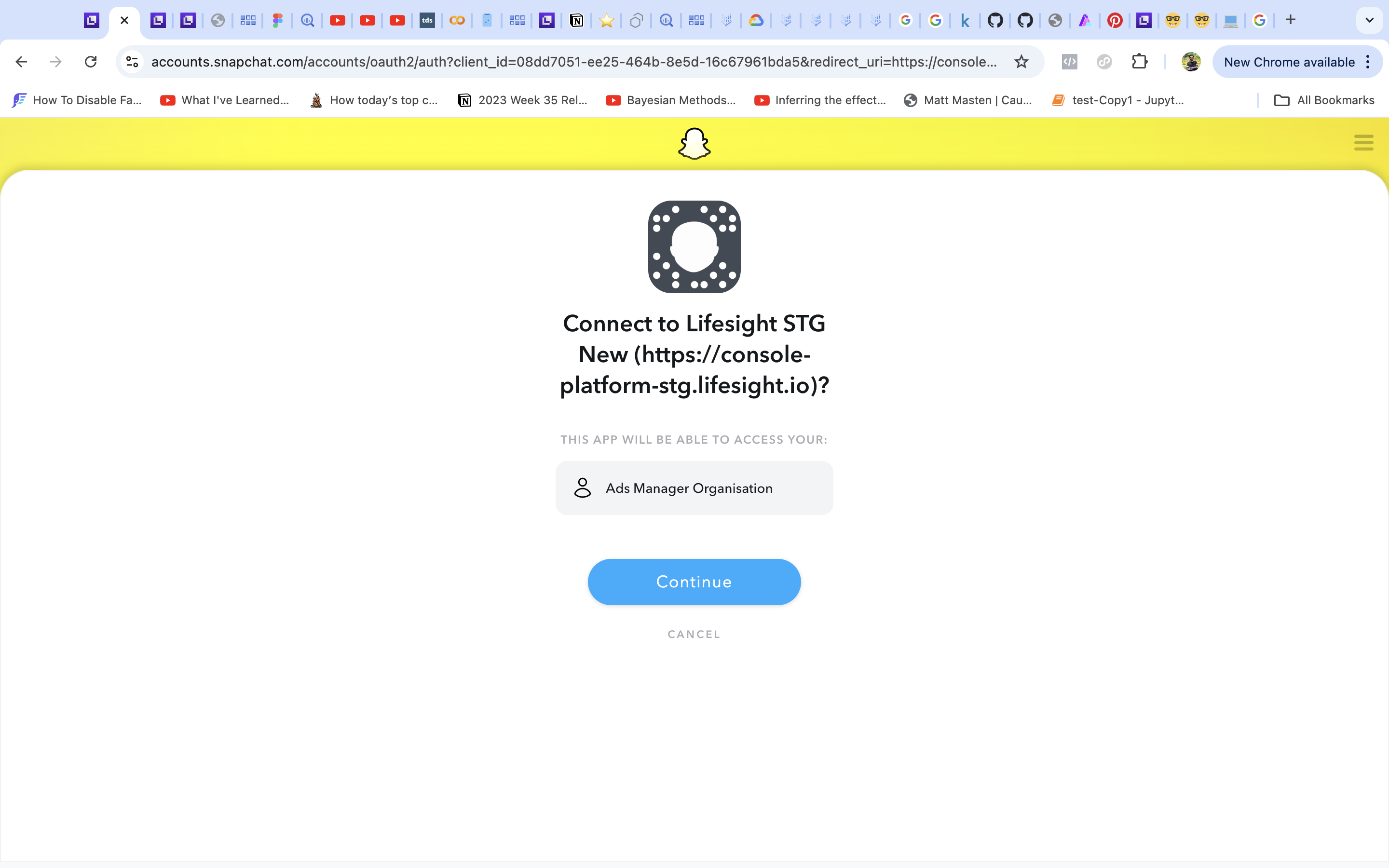
- You will be redirected to log into your Snapchat account.
- Once you have successfully logged in, the status of the integration will change to ‘partial’ on the ‘Integration’ page.
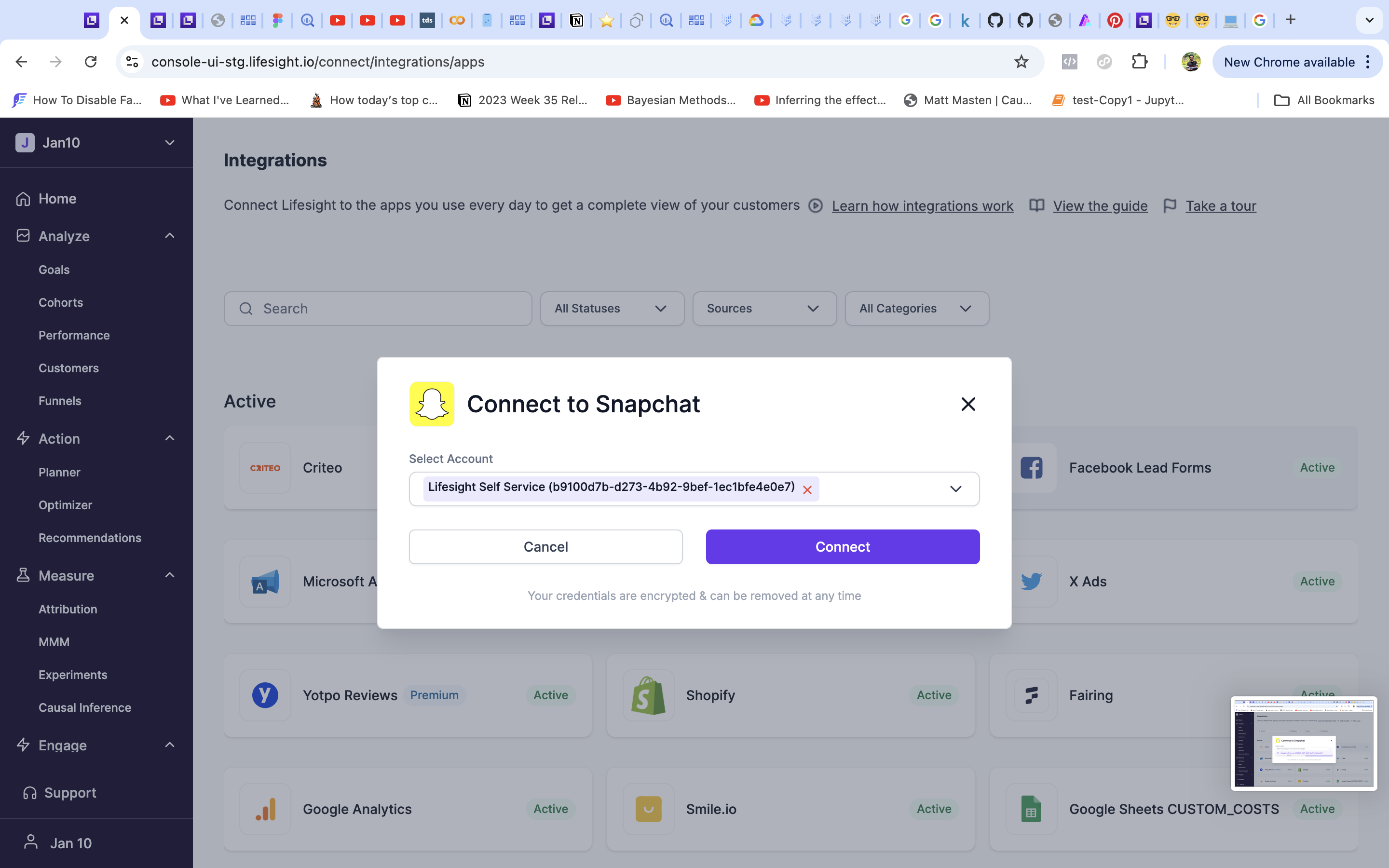
- Click on the Snapchat tile and select an ad account you want to use with the workspace.
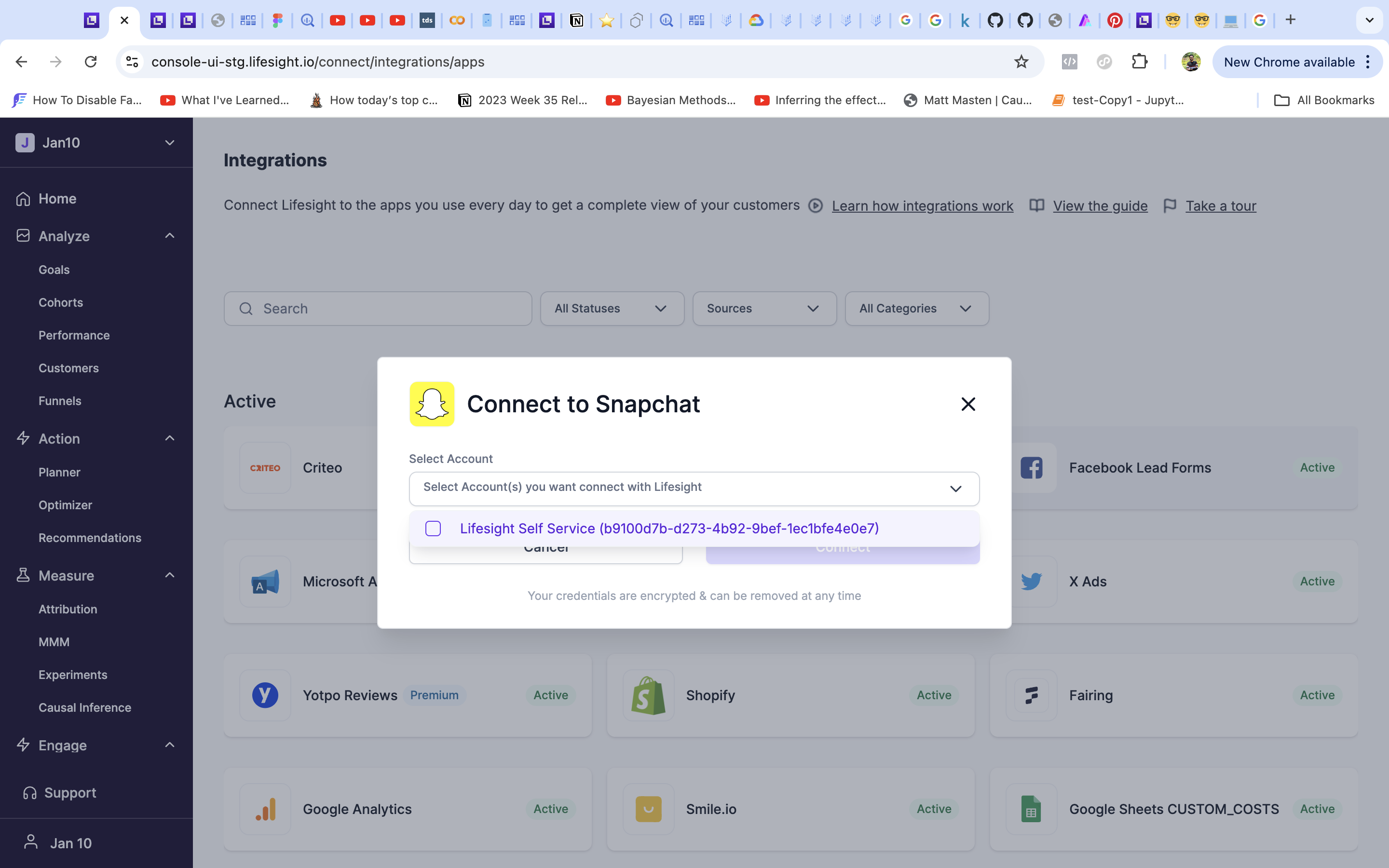
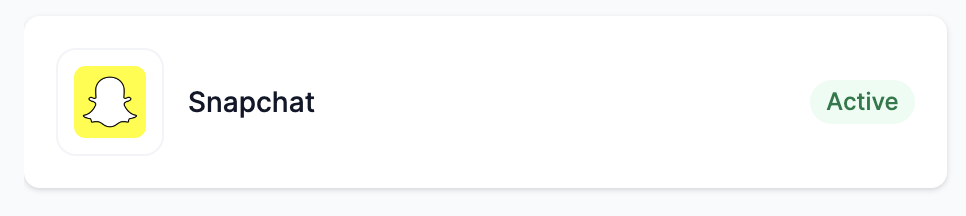
- The status will get changed to ‘Active’ and the ad data from the designated account will be available in the Attribution dashboard.
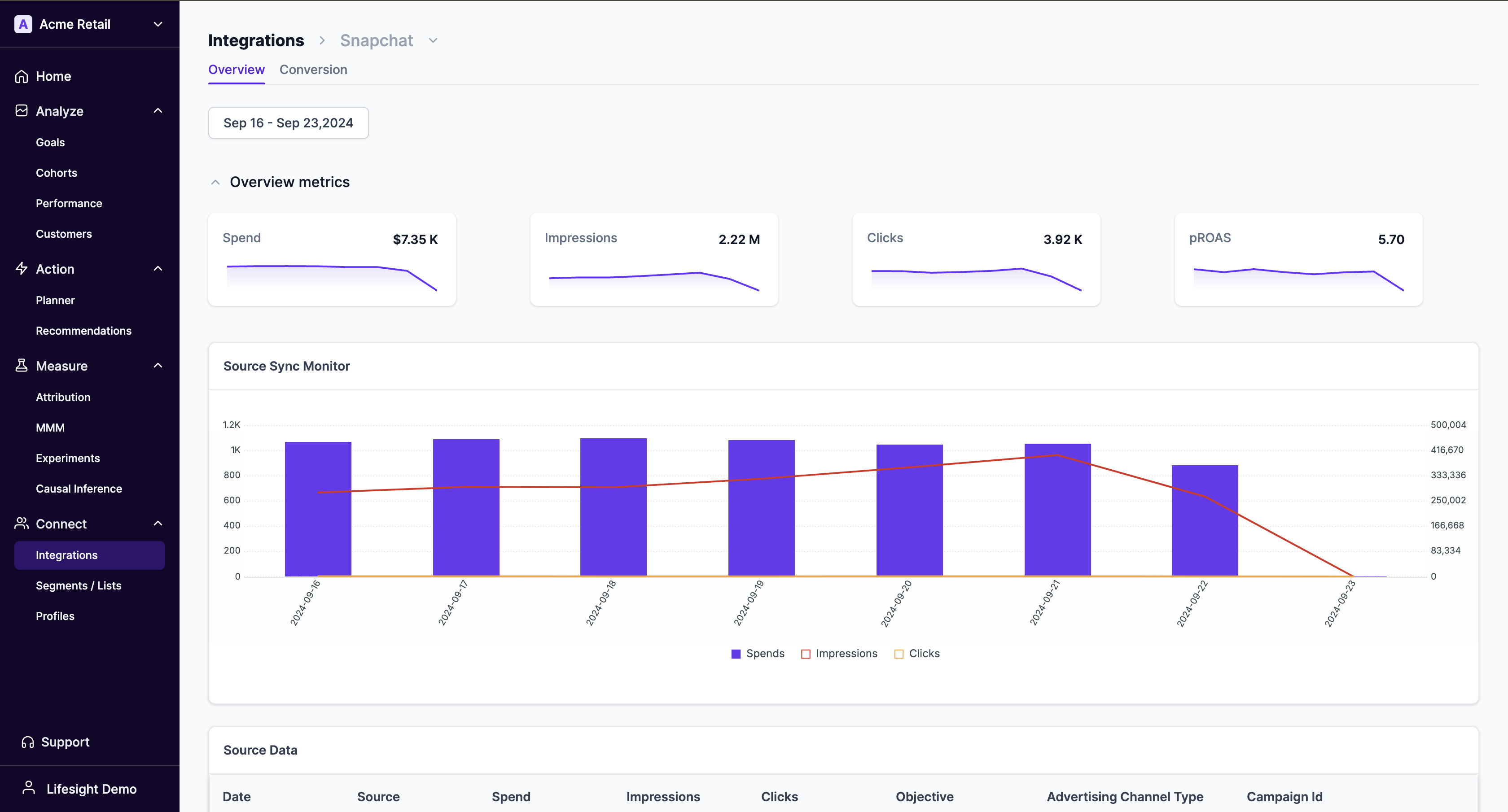
View detailed Snapchat synced data
- Click on the Snapchat tile to view detailed data being synced.
Updated about 1 year ago
Did this page help you?