
Google Analytics
Integrate your Google Analytics account with Lifesight
Google Analytics is a leading web analytics service that tracks and reports website and app traffic. It specializes in providing businesses with critical insights into how users find and interact with their digital properties, helping them understand the customer journey and optimize marketing performance.
Connect your Google Analytics Accounts
By integrating with Lifesight, you can further analyze Google Analytics data to optimize audience targeting, push custom segments back into Google Ads, and measure the impact of your marketing efforts across multiple channels.
Integrating Google Analytics on your workspace
- Navigate to the Integrations tab in the left-hand menu bar.
- In the search field, type "Google Analytics" to locate the integration.
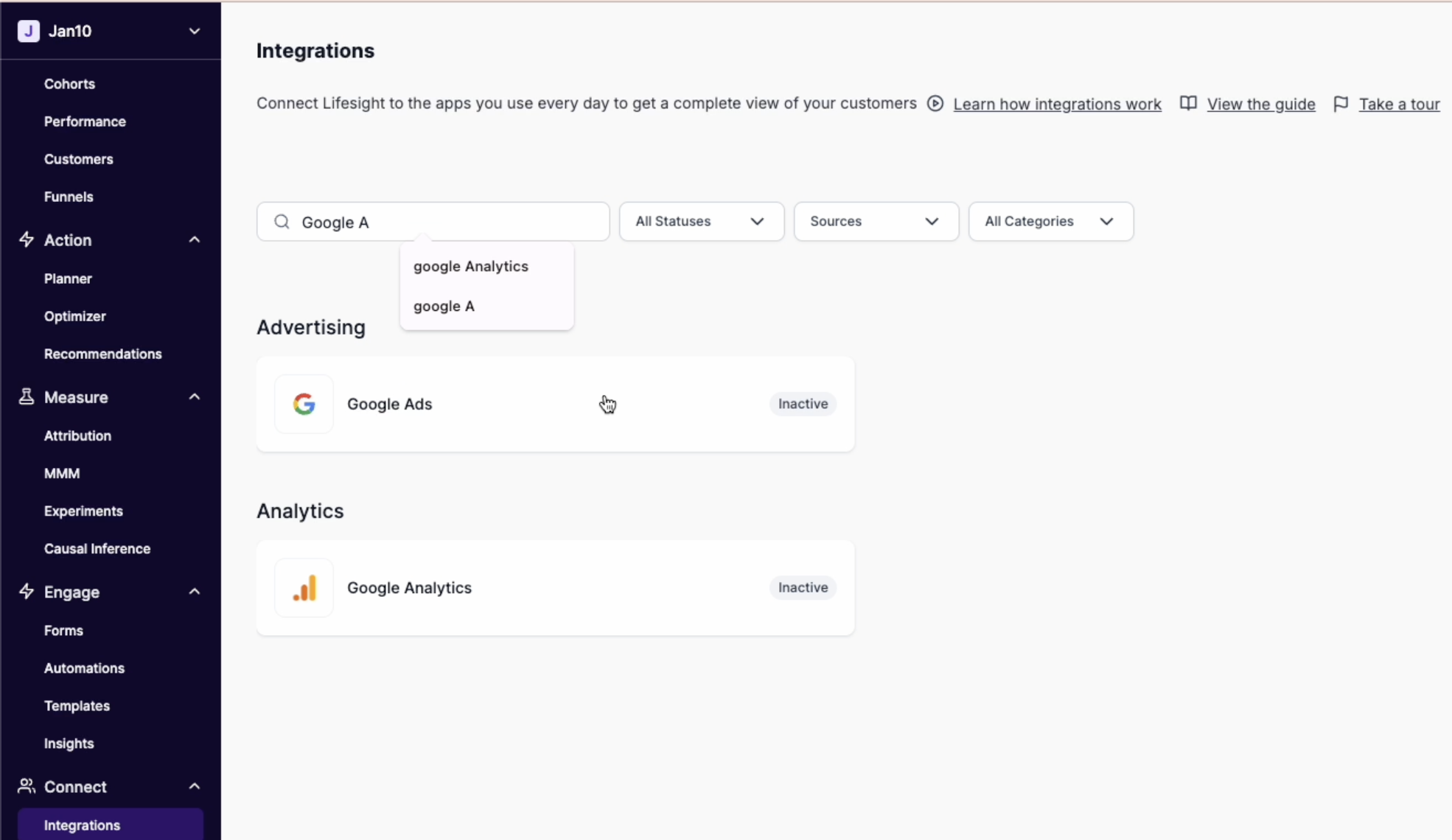
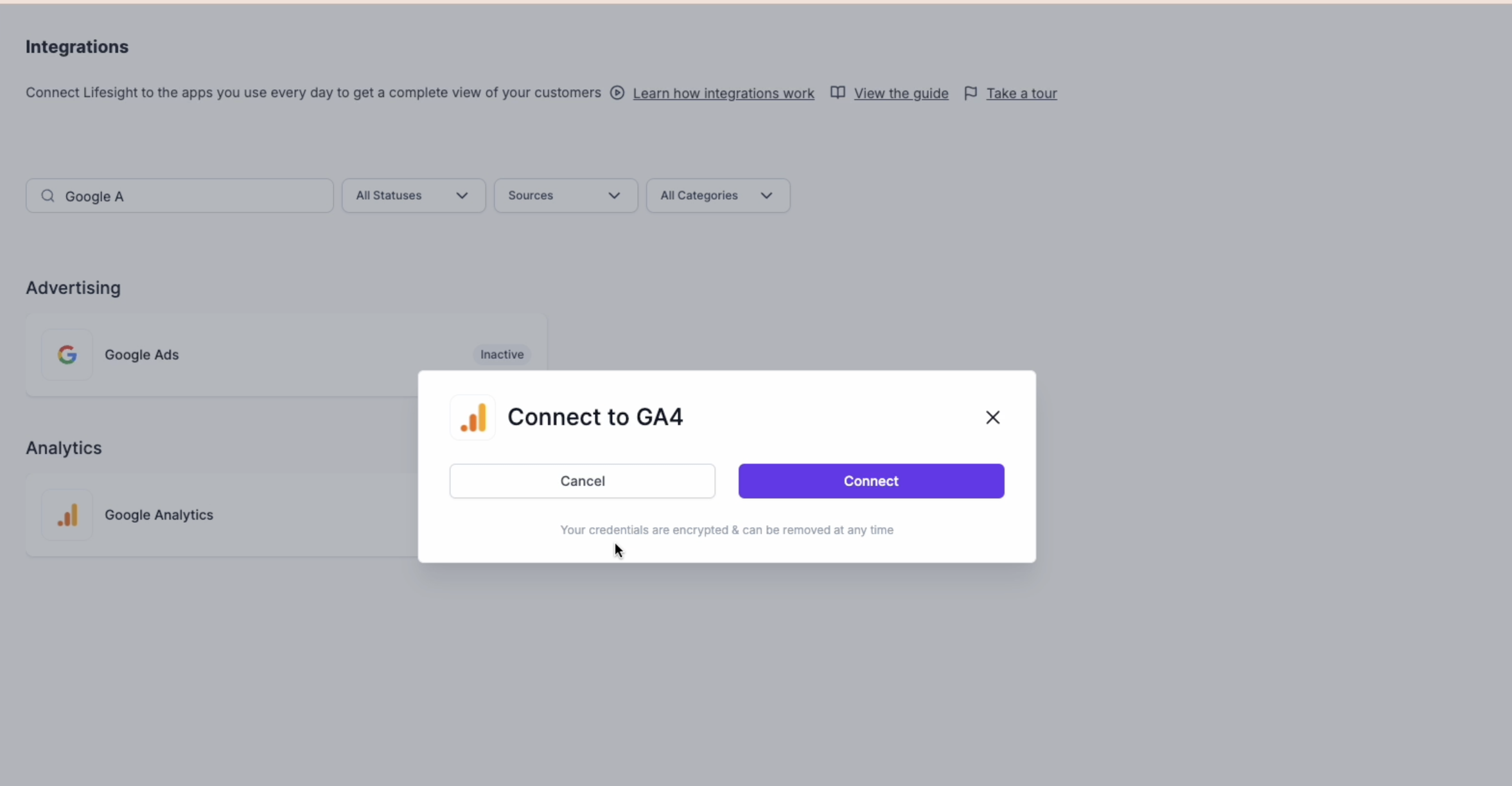
- Click on the Google Analytics tile and click on the "Connect to Google" button to begin the integration process.
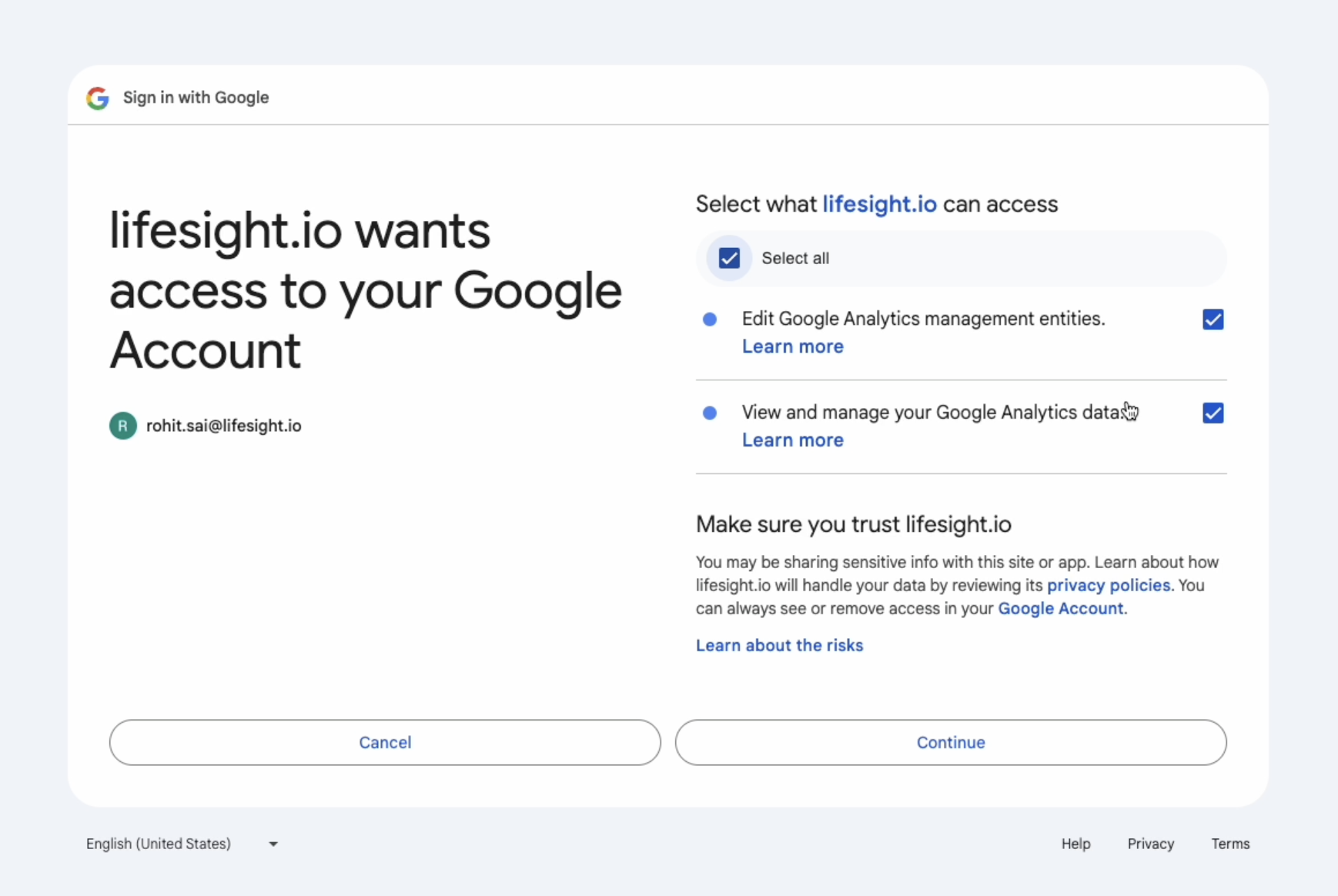
- You will be redirected to log into your Google Analytics account and allow access to certain scopes.
- Once you have successfully logged in, the status of the integration will change to ‘partial’ on the Integration page.
- Click on the Google Ads tile and select an ad account you want to use with the workspace.
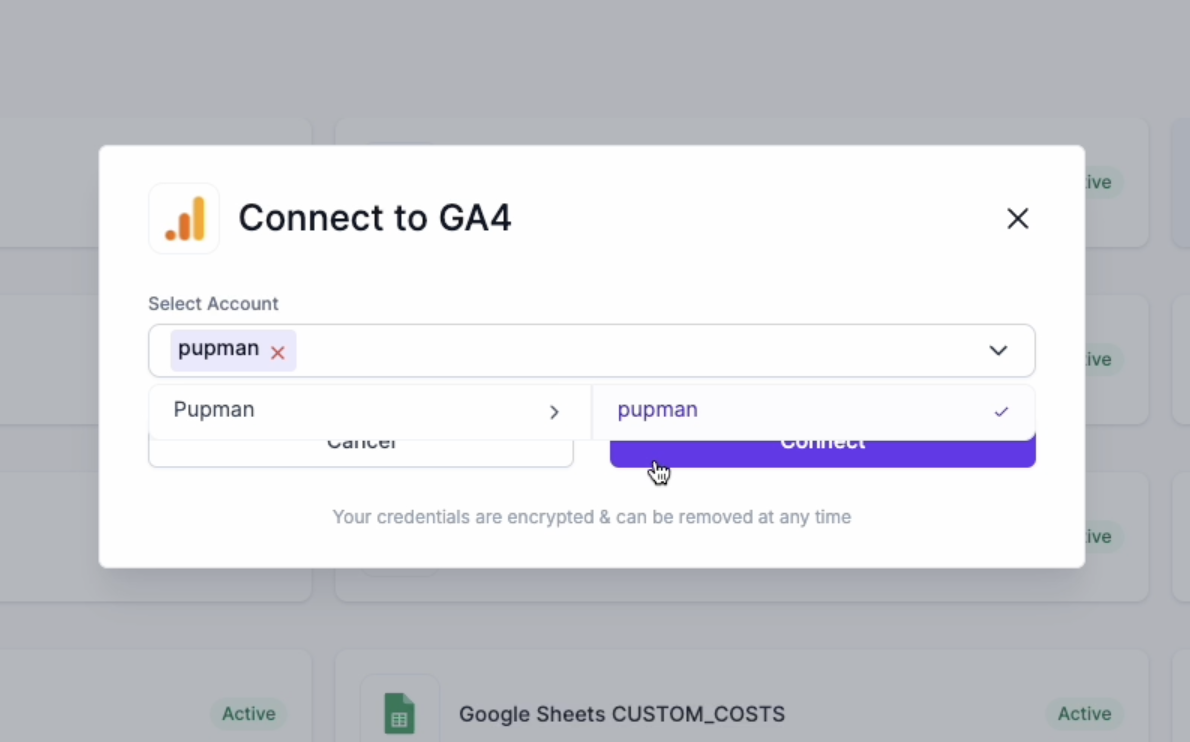
- The status will get changed to ‘Active’ and the ad data from the designated account will be available in the Attribution dashboard for unified reporting.
Updated about 1 year ago
Did this page help you?