
Integrate your Pinterest Ad Account with Lifesight
Pinterest Ads is the advertising platform for the visual discovery engine, Pinterest, where users actively find inspiration and plan for future projects and purchases. It specializes in reaching people who are in a high-intent, discovery mindset, making it highly effective for brands in categories like retail, home decor, fashion, travel, and DIY. The goal is to move users seamlessly from inspiration to action.

Integrating Pinterest to your workspace
- Navigate to the Integrations tab in the left-hand menu bar.
- In the search field, type in "Pinterest" to locate the integration for this application.
- Click on the Pinterest tile and click on the "Connect" button to begin the integration process.
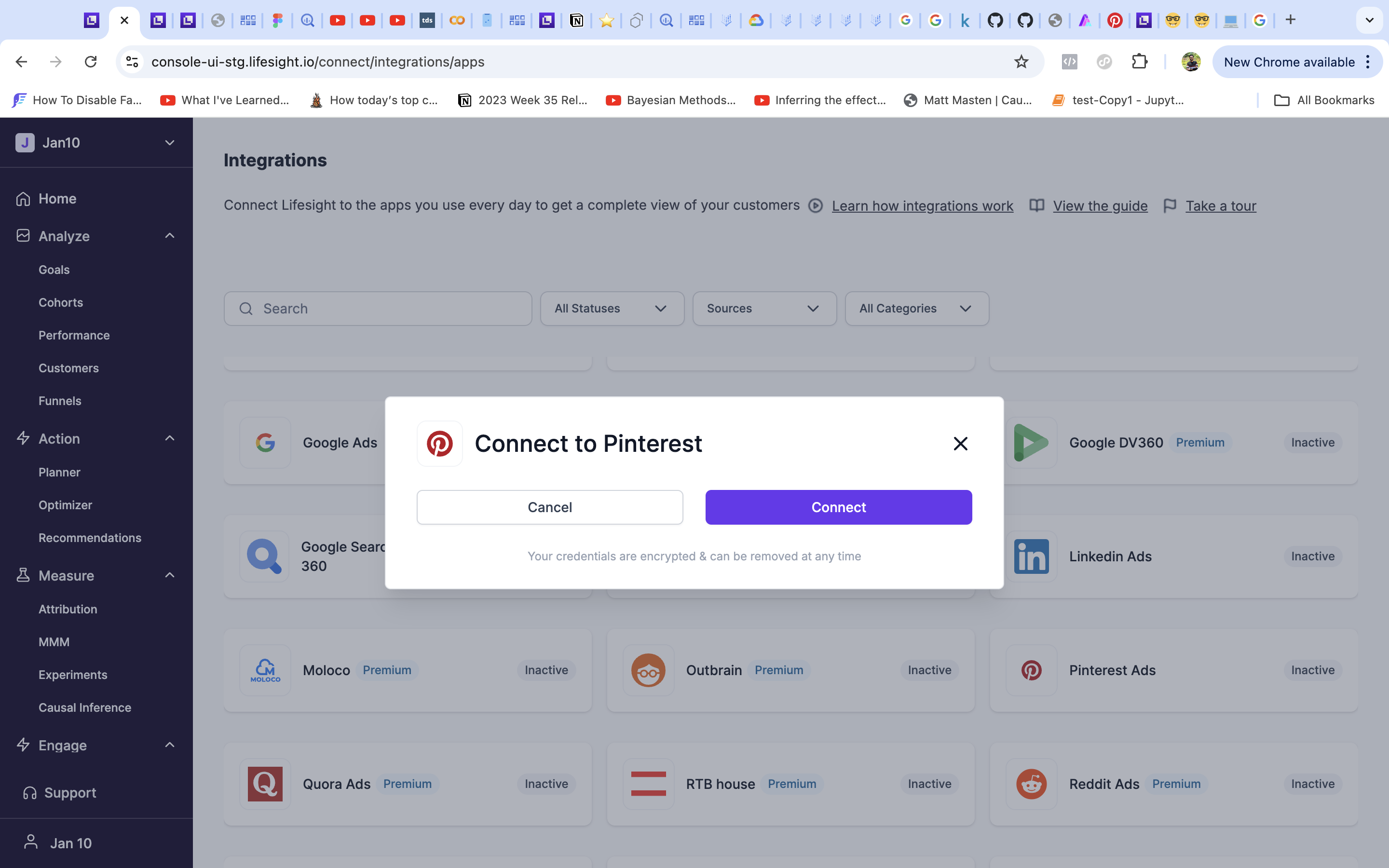
- You will be redirected to log into your Pinterest account.
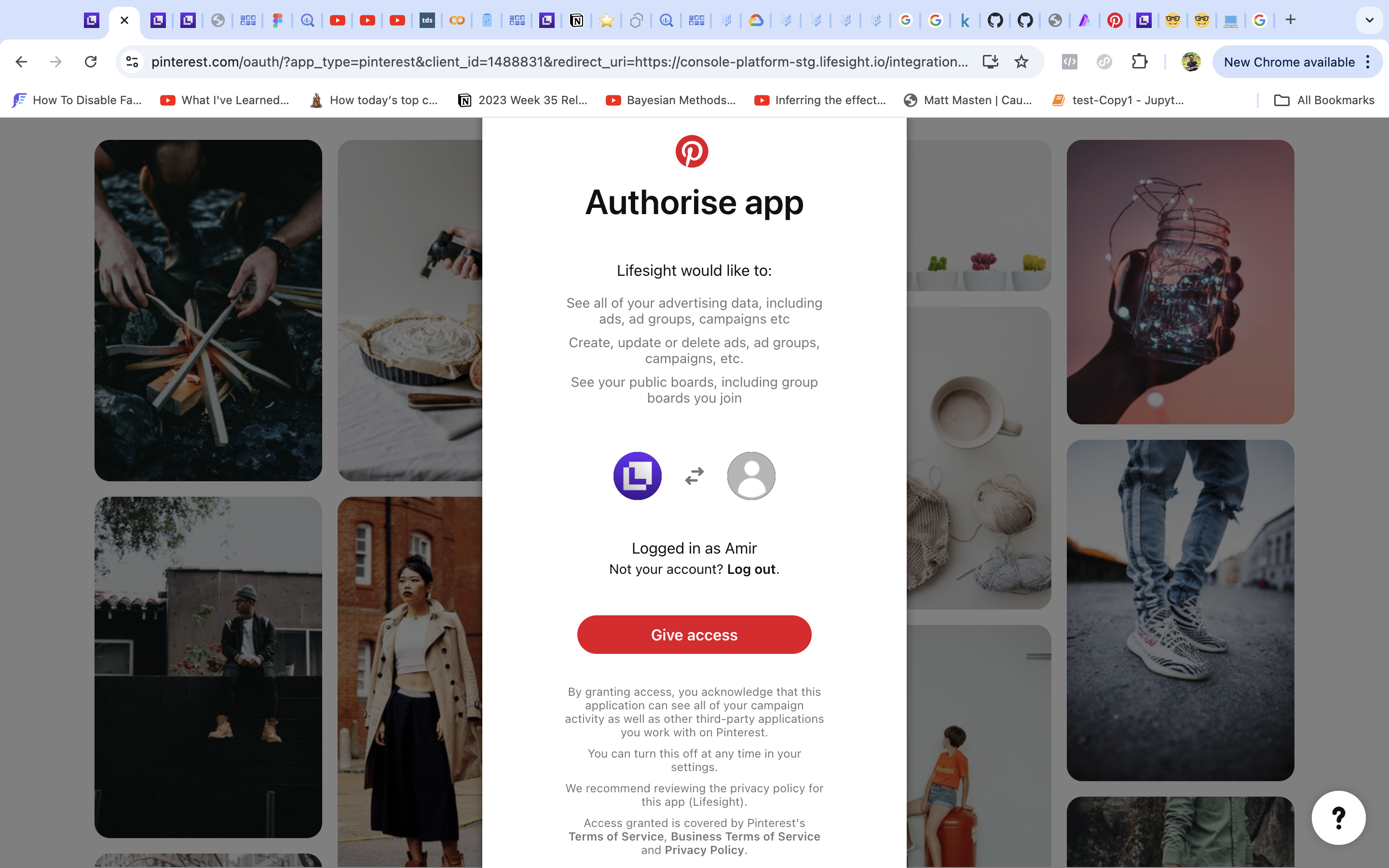
- Once you have successfully logged in, the status of the integration will change to ‘partial’ on the ‘Integration’ page.
- Click on the Snapchat tile and select an ad account you want to use with the workspace. (Currently, it is not possible to change the selection without the Lifesight Support team’s intervention.)
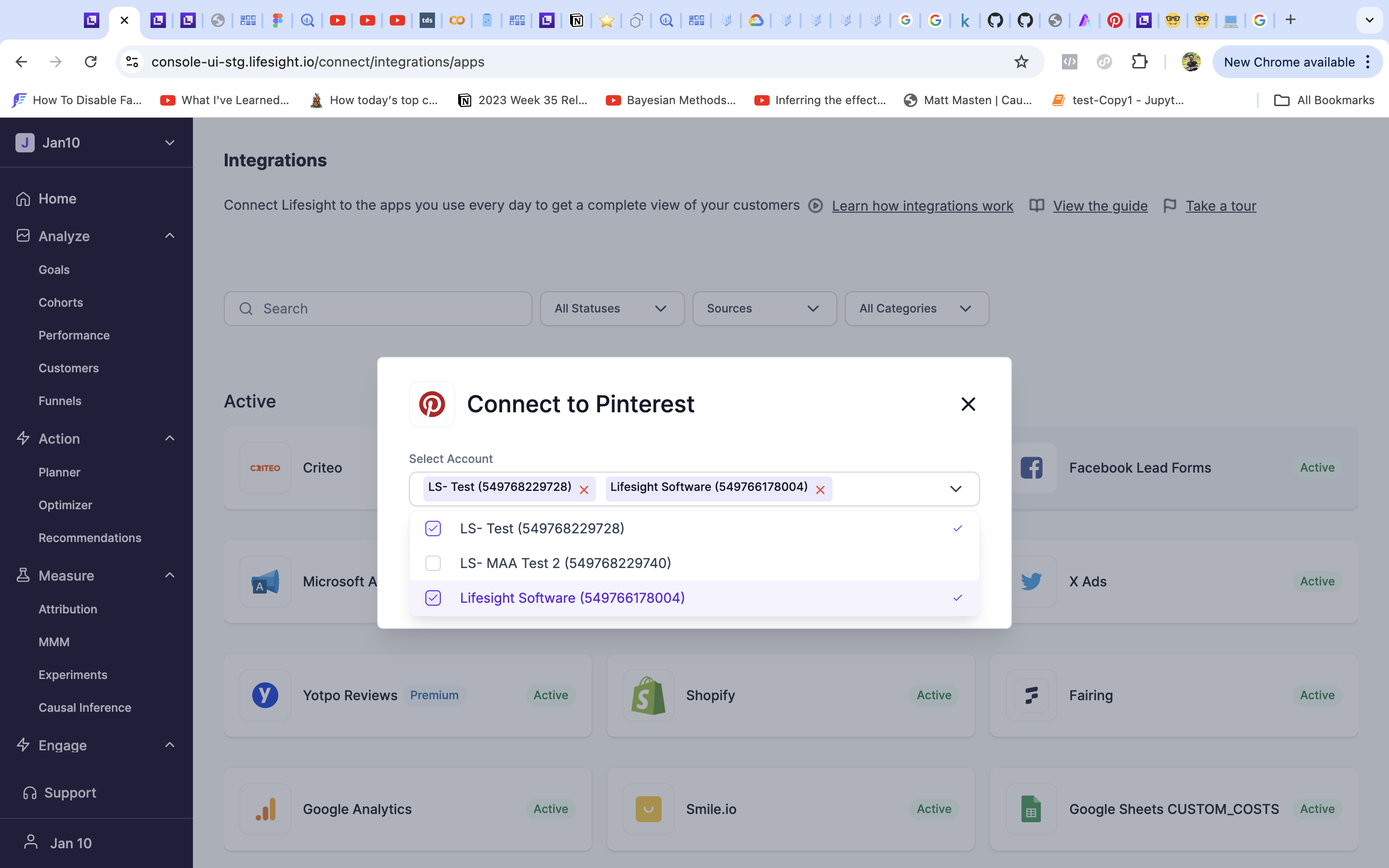
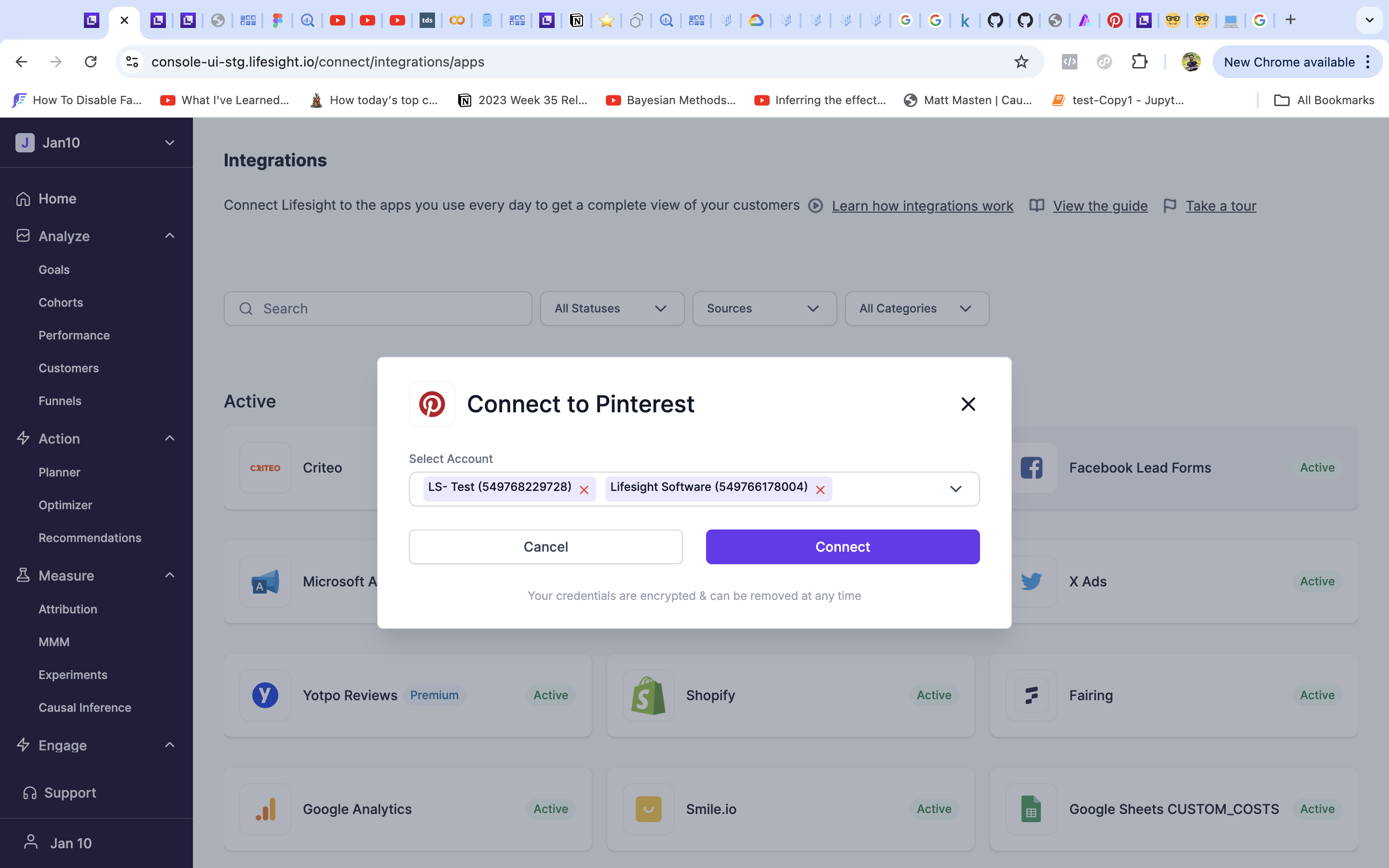
- The status will get changed to ‘Active’ and the ad data from the designated account will be available in the Attribution dashboard.
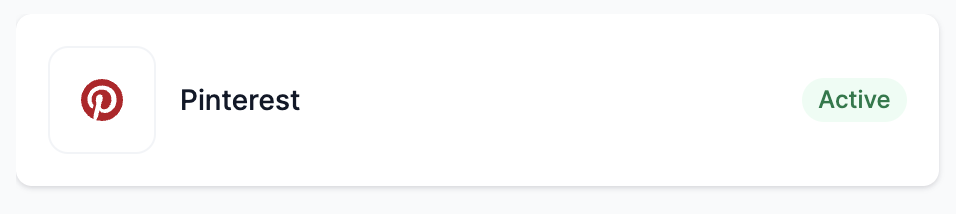
View Pinterest synced data.
Click on the Pinterest tile to view detailed information on the data synced from Pinterest.
If you have any further queries, please write to us at [email protected] and we'll get back to you at the earliest.
Updated about 1 year ago
Did this page help you?