
Workspaces
Create & Manage workspaces
Add/Delete a workspace
Users with the permission of "Admin" can create multiple workspaces within an account as per the signed Lifesight contract.
This feature is available to Agencies to add Brands/Clients into a workspace.
- Click your workspace name on the top right and select
Settingsfrom the dropdown menu.
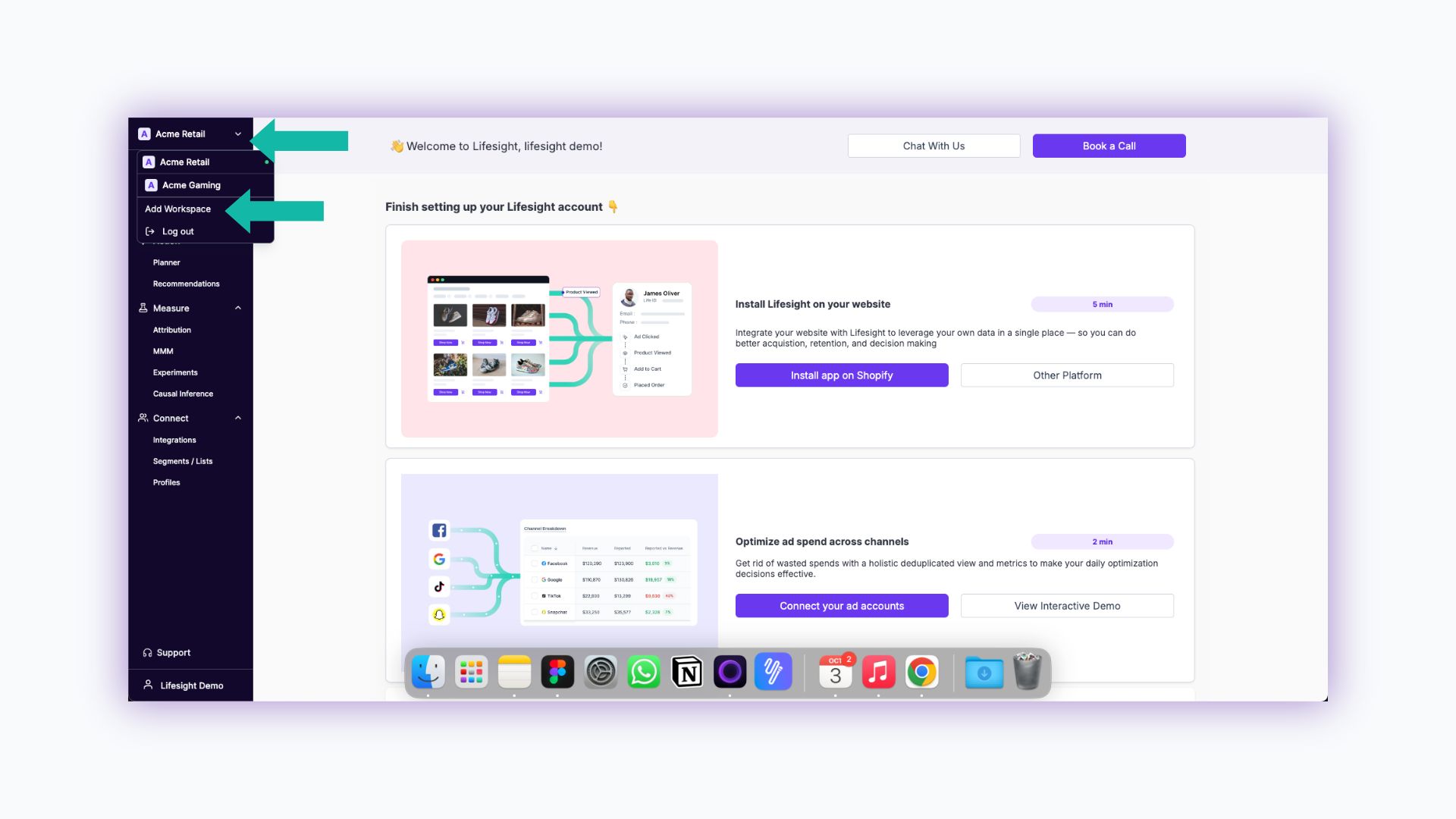
- Switch to the "Workspace" tab
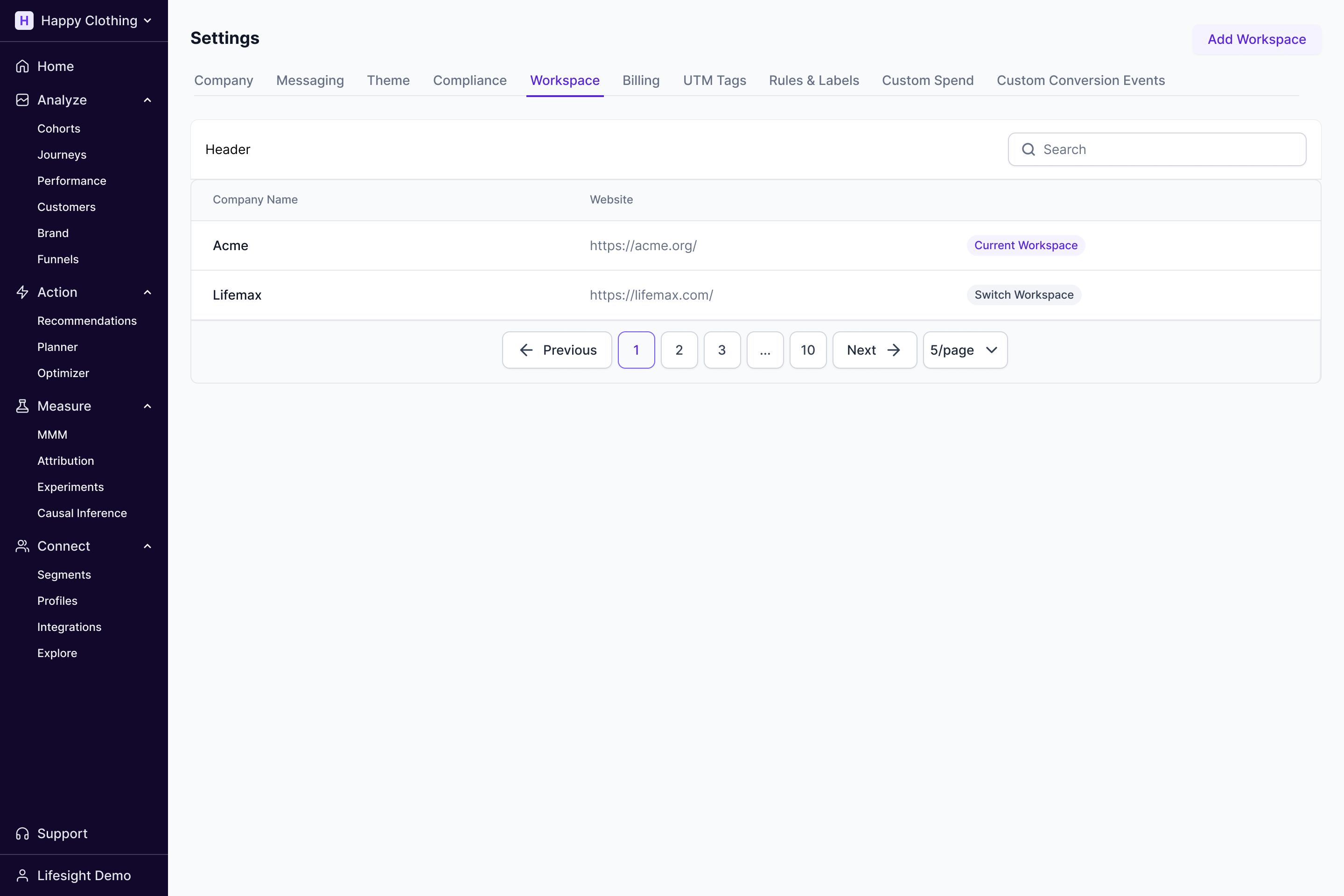
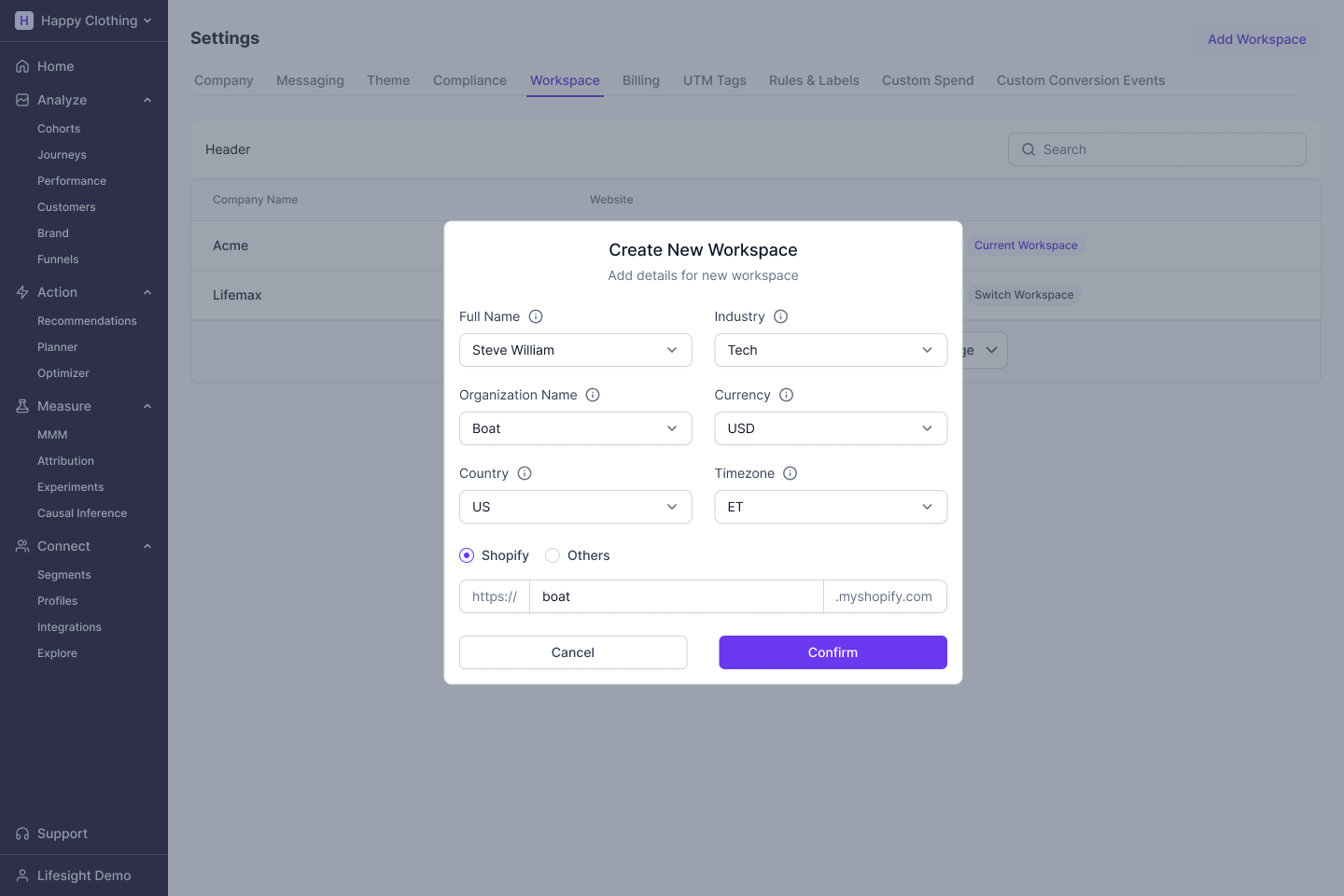
- Select
Add Workspacebutton to add a new workspace.
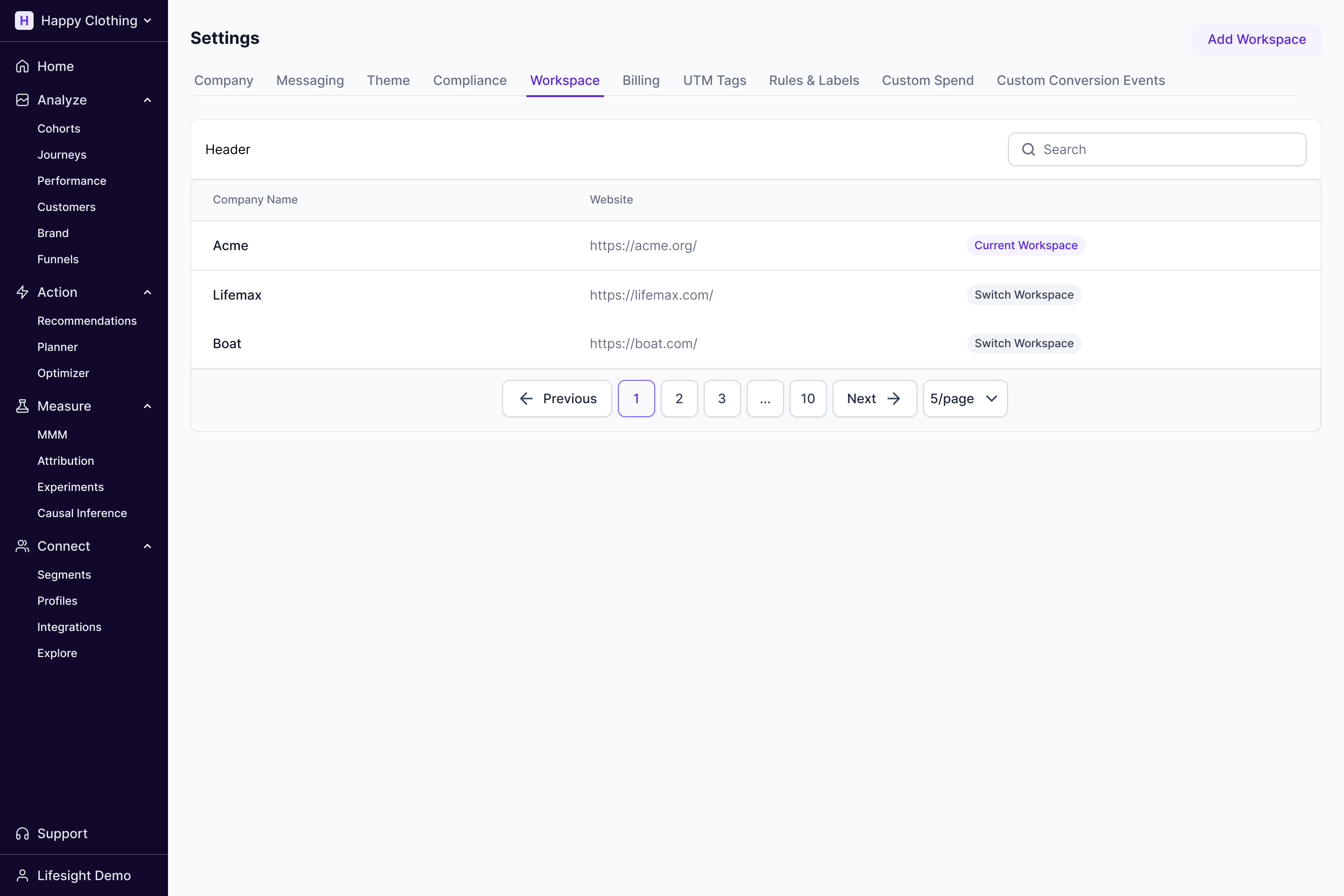
- You can view your newly created workspace in the list.
Updated over 1 year ago
Did this page help you?