
Walmart Connect
Integrate Walmart Connect with Lifesight to automatically ingest retail media campaign performance data for unified marketing measurement and attribution analysis.
Walmart Connect is Walmart's retail media platform that enables brands and advertisers to reach shoppers across Walmart's digital properties and physical stores. The platform provides comprehensive campaign performance data for on-site display ads, sponsored products, and off-site media channels, helping marketers understand customer engagement and measure sales impact.
The Lifesight–Walmart Connect integration allows you to automatically import Walmart Connect campaign performance data into the Lifesight Unified Marketing Measurement (UMM) platform. This integration ensures that your retail media performance metrics are unified with other marketing and business data for comprehensive attribution, analysis, and measurement.
Data Imported into Lifesight
Walmart Connect serves as a data source, providing detailed retail media performance metrics for reporting and modeling within Lifesight.
The imported data includes:
- Impressions — Total number of ad impressions served
- Clicks — Total ad clicks generated
- Spend — Total ad spend for campaigns
- Sales/Revenue — Attributed sales driven through Walmart Connect campaigns
Prerequisites
You would need to add Lifesight as a Tech Partner in your Walmart Connect Access page before you can begin the integration process on Lifesight.
To grant Lifesight access to your account via the API endpoint
- Navigate to the Partners tab on the Access page.
- Click +Add Partner at the top of the section.
- In the Partner name dropdown, scroll and select Lifesight.
- Once Lifesight as a partner is selected, select the ad accounts that you would like to provide access for in the Manage access dropdown.
- Select the level of access you wish to provide to the partner for campaign management, reporting and creative: view only, edit or none.
- Click Add partner. Lifesight can now access your advertising account via API endpoints.
For more details on this process, please refer to Walmart Connect's official documentation
If you cannot find Lifesight in the Tech Partners dropdown, open a case with Walmart Connect Advertiser Help.
Integration Setup Steps
1. Navigate to the Integrations Tab
In your Lifesight workspace, open the Integrations section.
2. Search for Walmart Connect
Type "Walmart Connect" in the search bar to locate the integration.
3. Select the Integration Tile
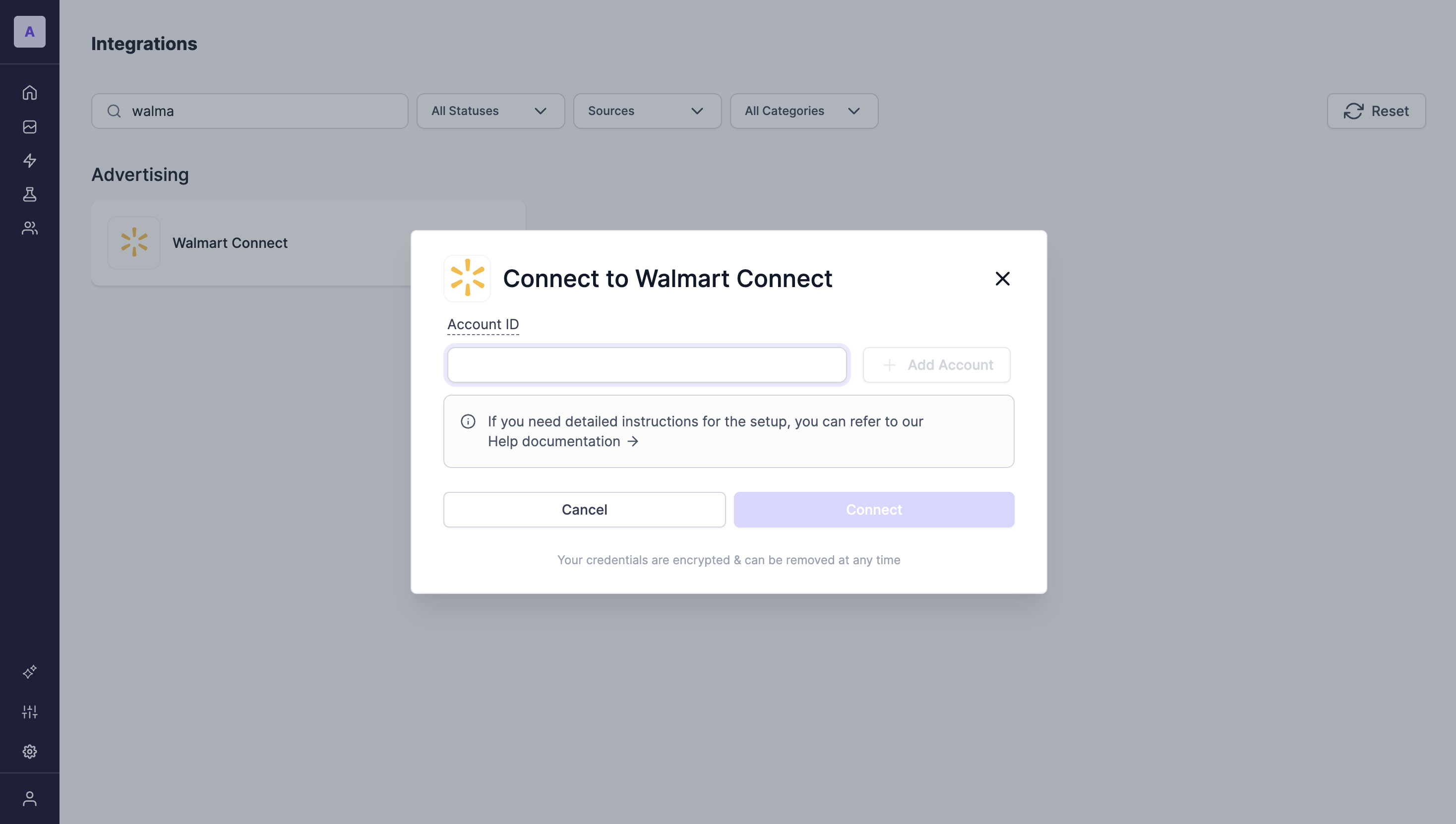
Click on the Walmart Connect tile and select Connect.
4. Enter Required Credentials
Enter your Walmart Connect Ad Account ID. If you would like to add more ad account, click on the "+Add Account" button to do so.
5. Finish the setup
Click Connect to complete the integration process
Updated 10 months ago