
Integrate your LinkedIn Ad Account with Lifesight
LinkedIn Advertising is the B2B advertising platform built into the world's largest professional network. It specializes in helping companies connect with a professional audience to build brand awareness, generate leads, and drive website traffic.
Connect your LinkedIn Ad Account
This integration aims to improve advertising outcomes by enabling enhanced campaign targeting, personalization, and optimized advertising returns.
Setup Guide
- Navigate to the Integrations tab in the left-hand menu bar.
- In the search field, type in "Facebook" to locate the integration for this application.
- Click on the Facebook Lead Forms tile and click on the
Connectbutton to begin the integration process.
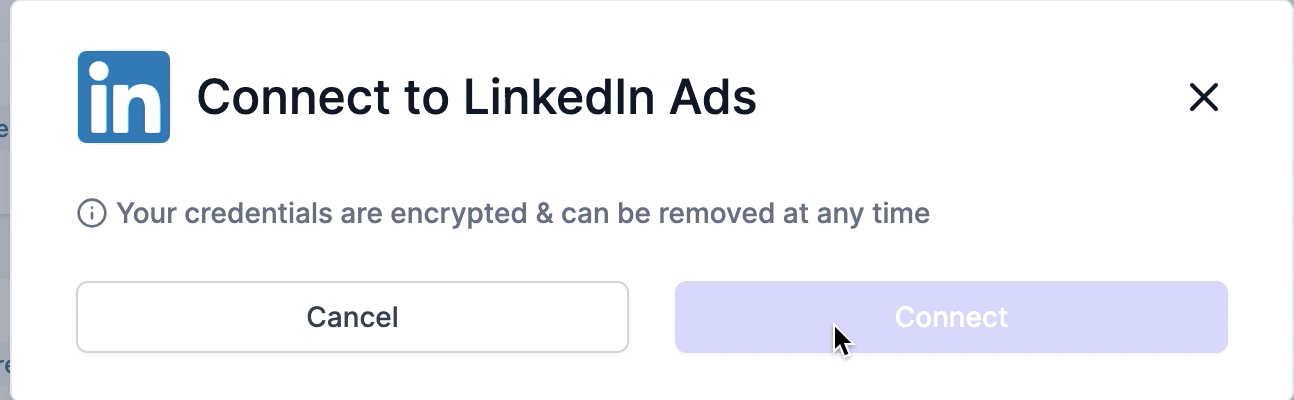
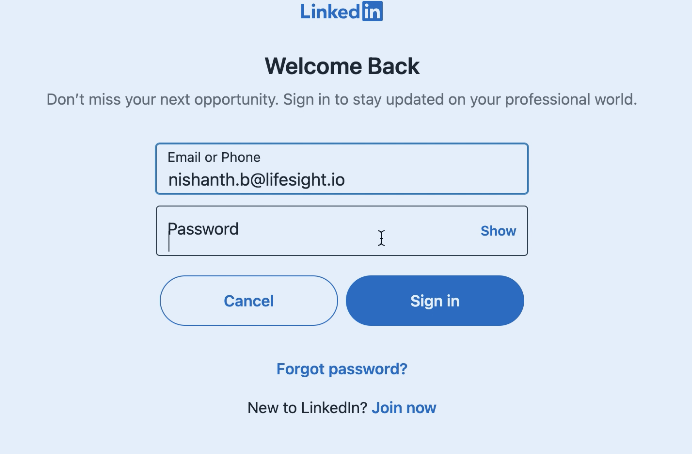
- You will be redirected to log into your Linkedin account and allow access to certain scopes. Confirm your Linkedin login.
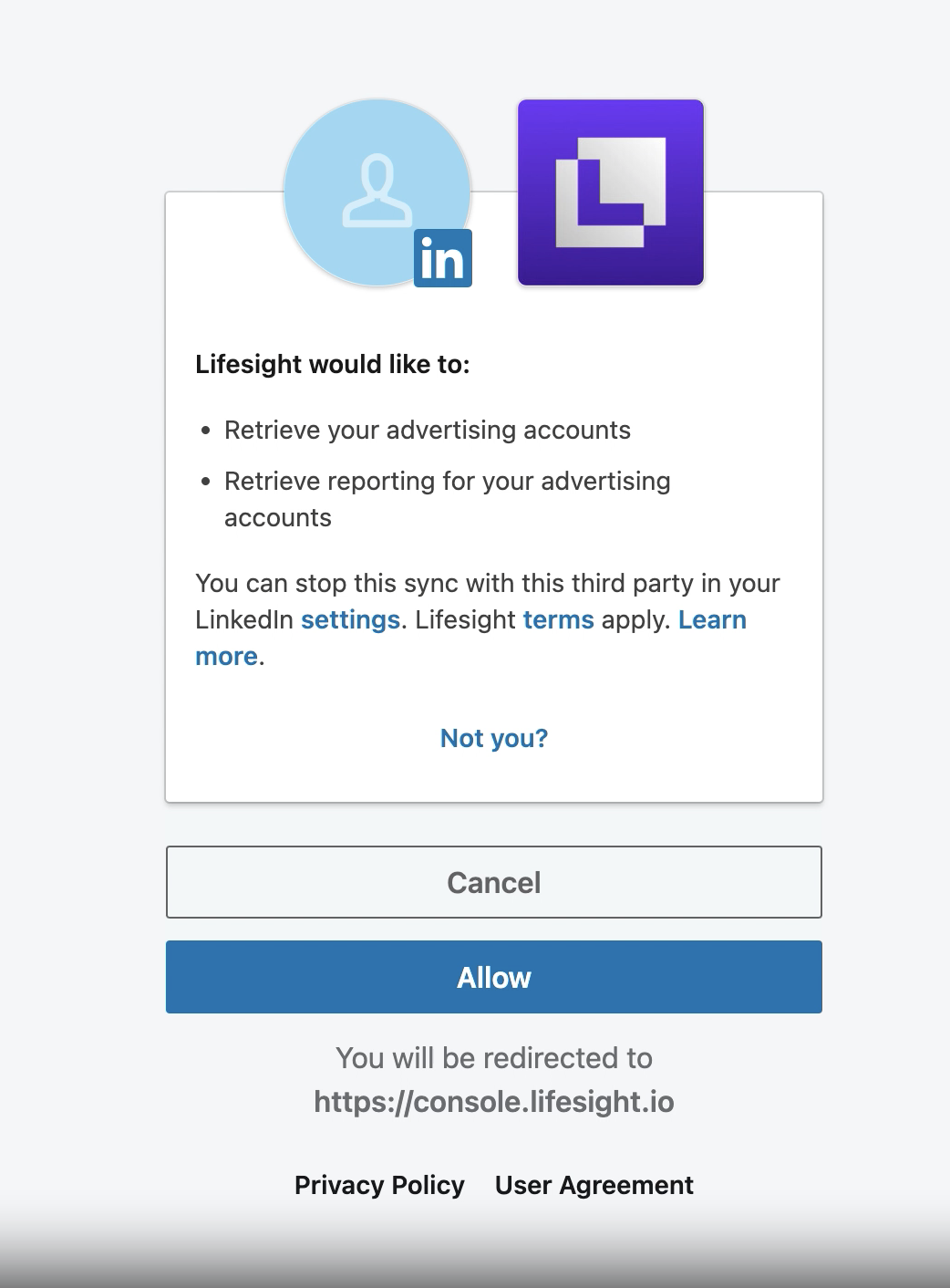
- Review the permissions on the next page and click 'Allow'.
- Once you have successfully logged in, the status of the integration will change to ‘partial’ on the Integration page.
- Click on the LinkedIn tile and select one or more ad accounts you want to use with the workspace.
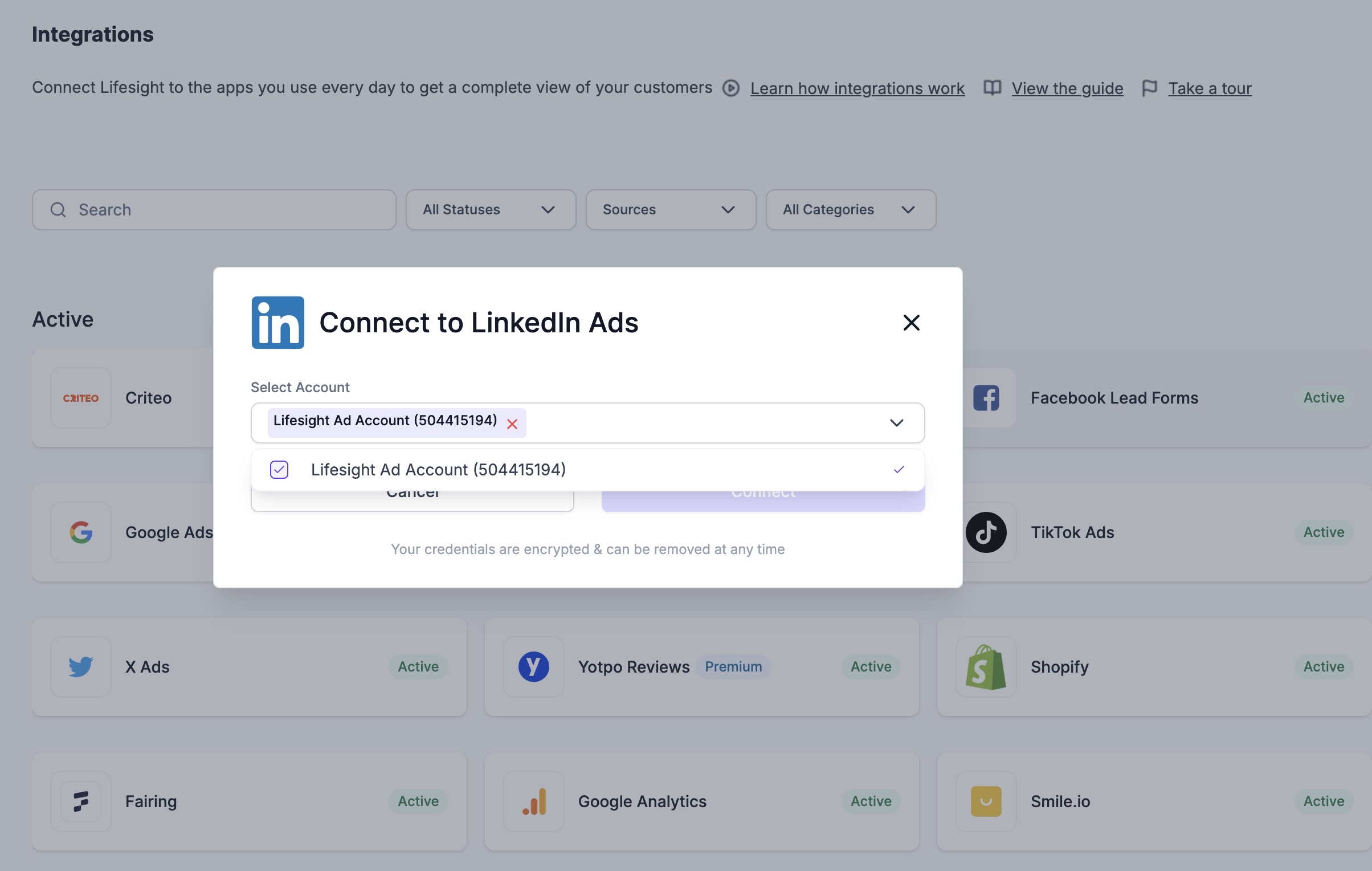
- You will be re-directed to the integration page, and the status will update to 'Active'.
Updated about 1 year ago
Did this page help you?