
Adroll
Integrate with Adroll to improve your targeting
Overview
Integrating AdRoll with Lifesight allows you to synchronize customer segments from Lifesight to AdRoll for more effective targeted advertising campaigns. This guide will walk you through the steps to set up the AdRoll integration within Lifesight.

Integrating Adroll ads to your Lifesight workspace
- Navigate to the Integrations tab in the left-hand menu bar.
- Search for "Adroll".
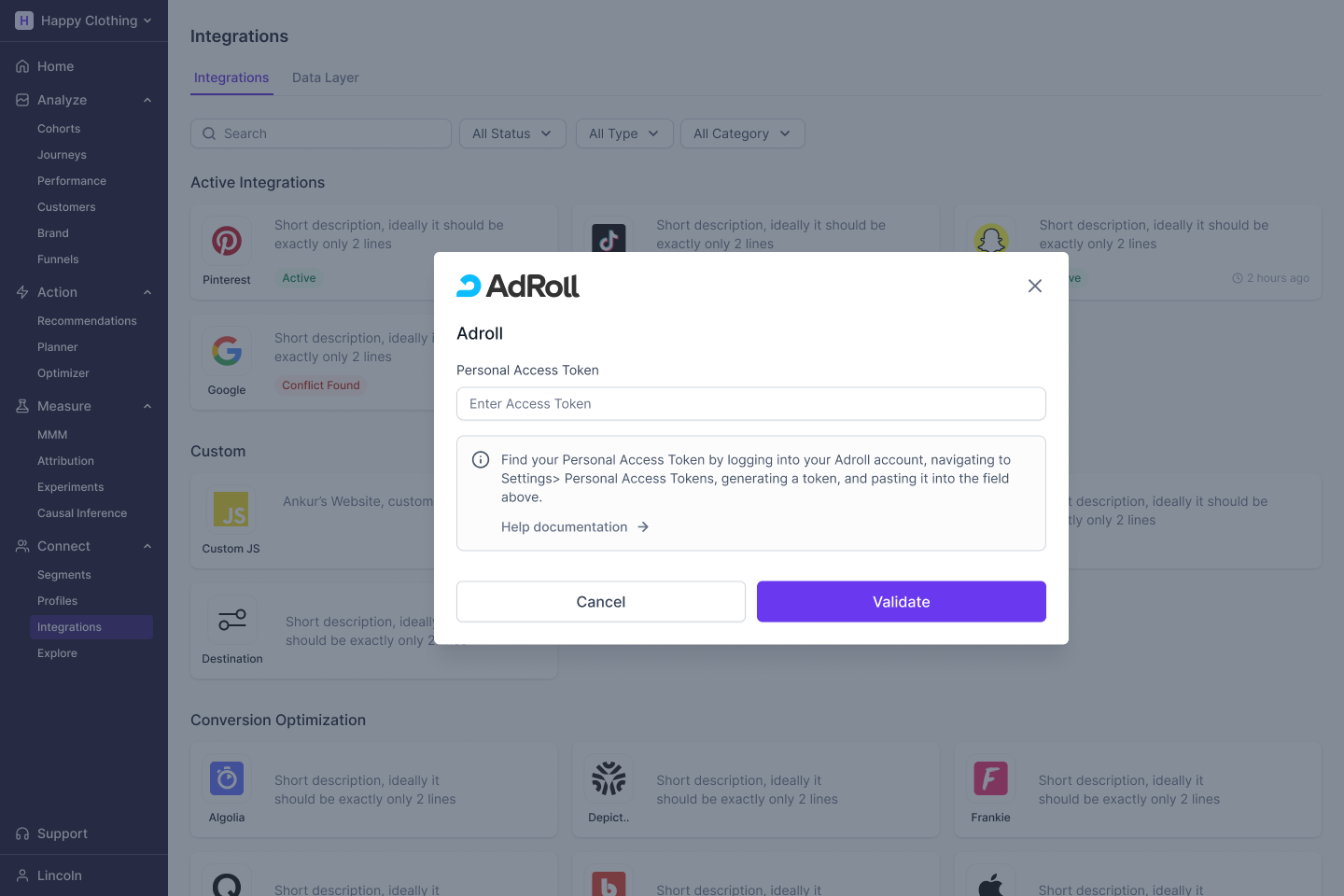
- Enter your Personal Access Token from your Adroll account and click on the Adroll tile and click the
Validatebutton to begin the integration process. - Click on the Adroll tile and select one or more ad accounts you want to use with the workspace.
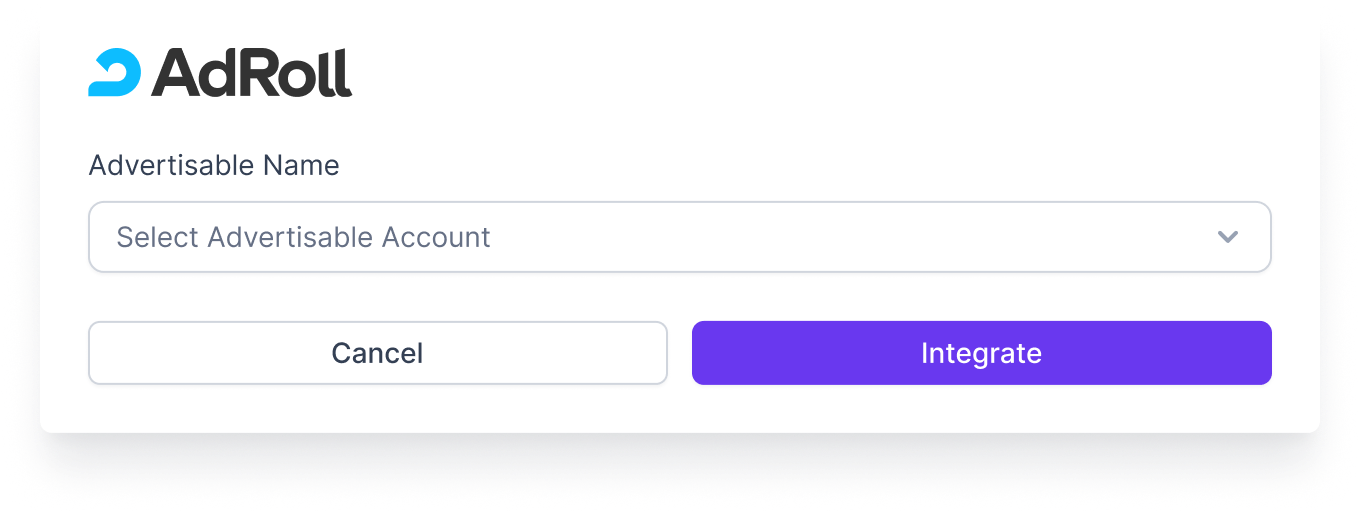
- You will be re-directed to the integration page, and the status will update to 'Active'.

Updated over 1 year ago
Did this page help you?