
Google Ads
Integrate your Google Ads Manager account with Lifesight
Google Ads is Google's dominant online advertising platform, enabling businesses of all sizes to reach customers across the world's largest search engine, a vast network of websites, and the leading video platform, YouTube. It specializes in capturing user intent at the precise moment of interest. Whether someone is searching for a product, watching a review, or browsing a relevant blog, Google Ads aims to deliver a timely and relevant commercial message.
Setup Guide
- Navigate to the Integrations tab in the left-hand menu bar.
- In the search field, type "Google Ads" to locate the integration.
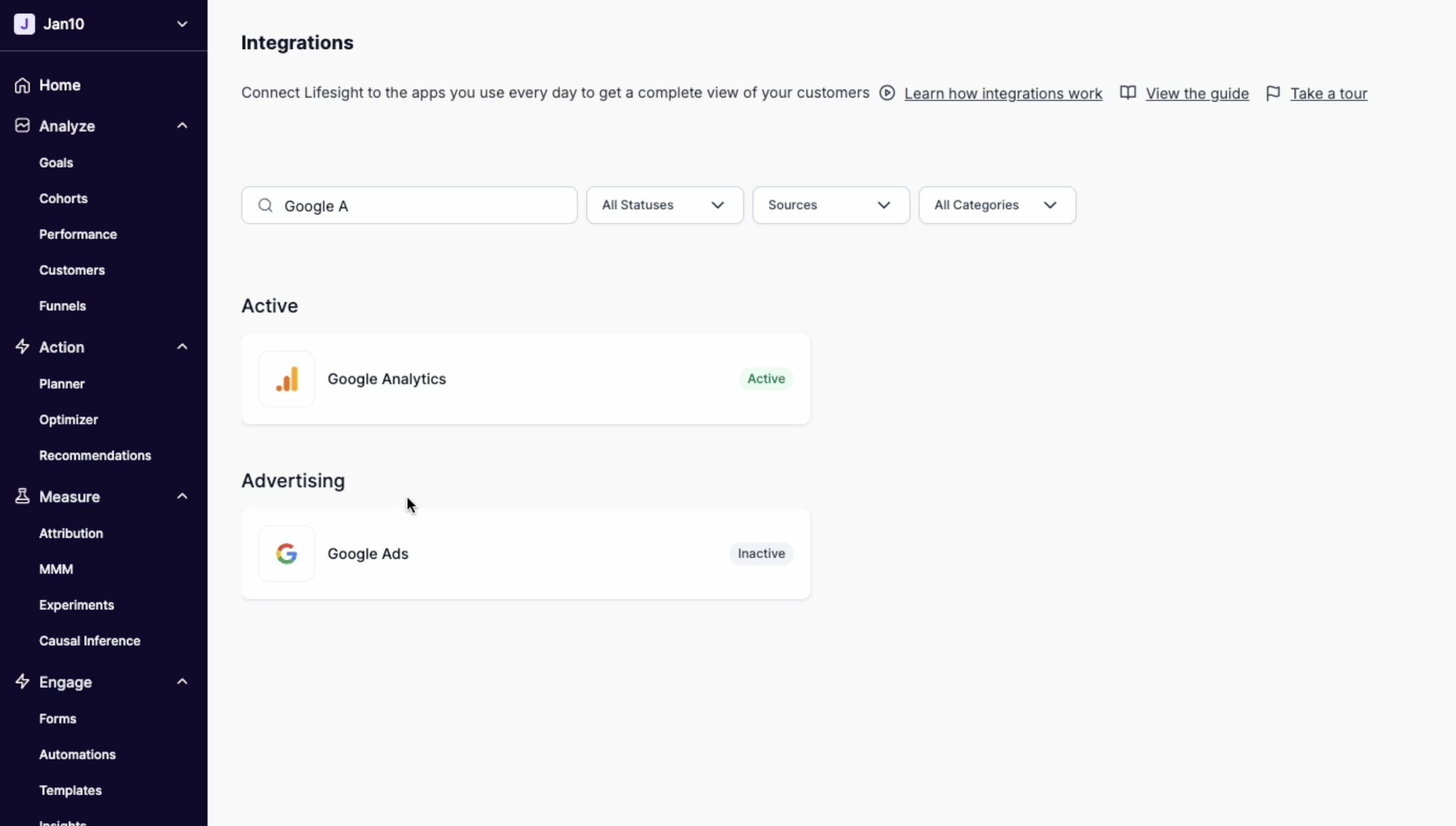
- Click on the Google Ads tile and click on the "Connect to Google" button to begin the integration process.
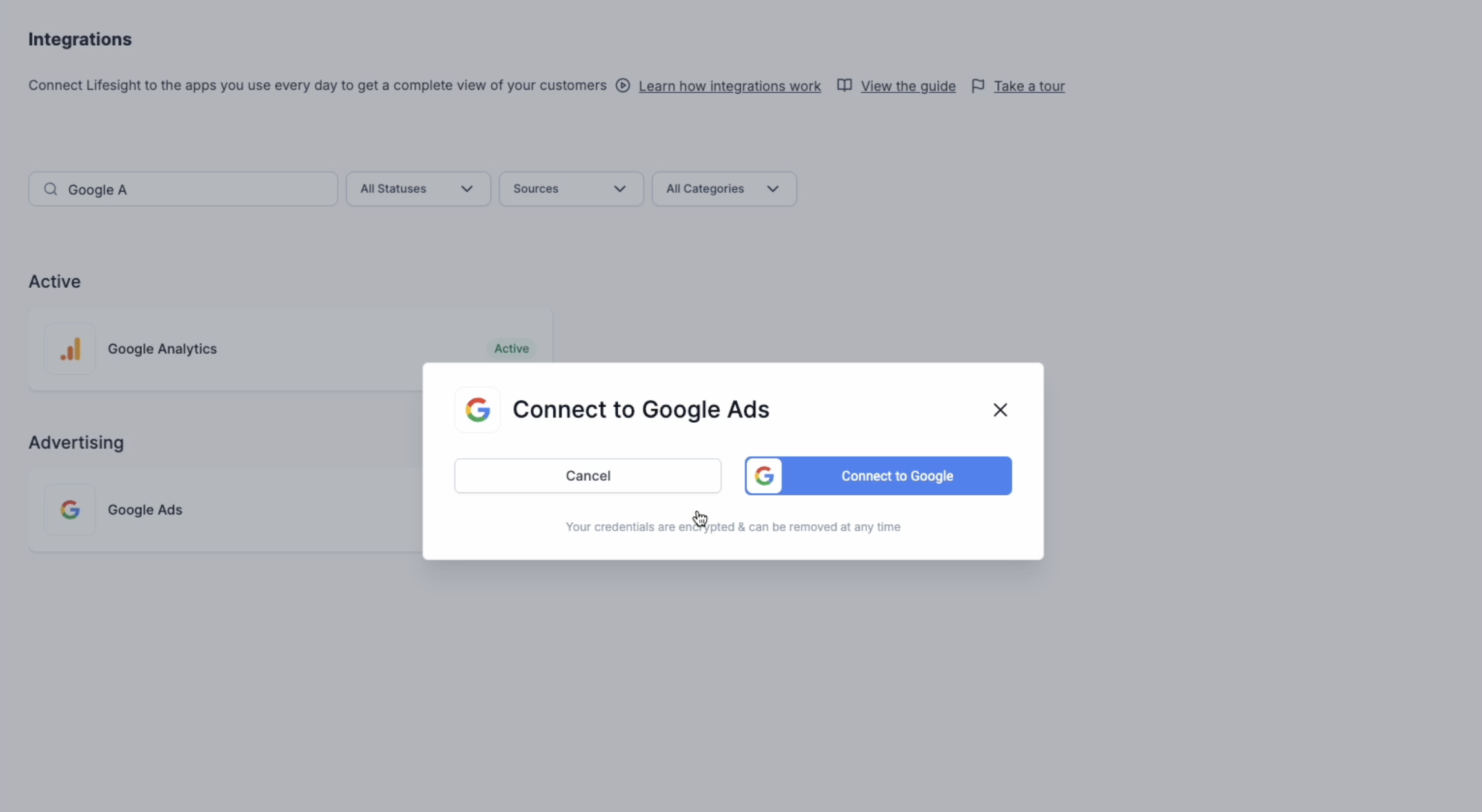
- You will be redirected to log into your Google Ads account and allow access to certain scopes.
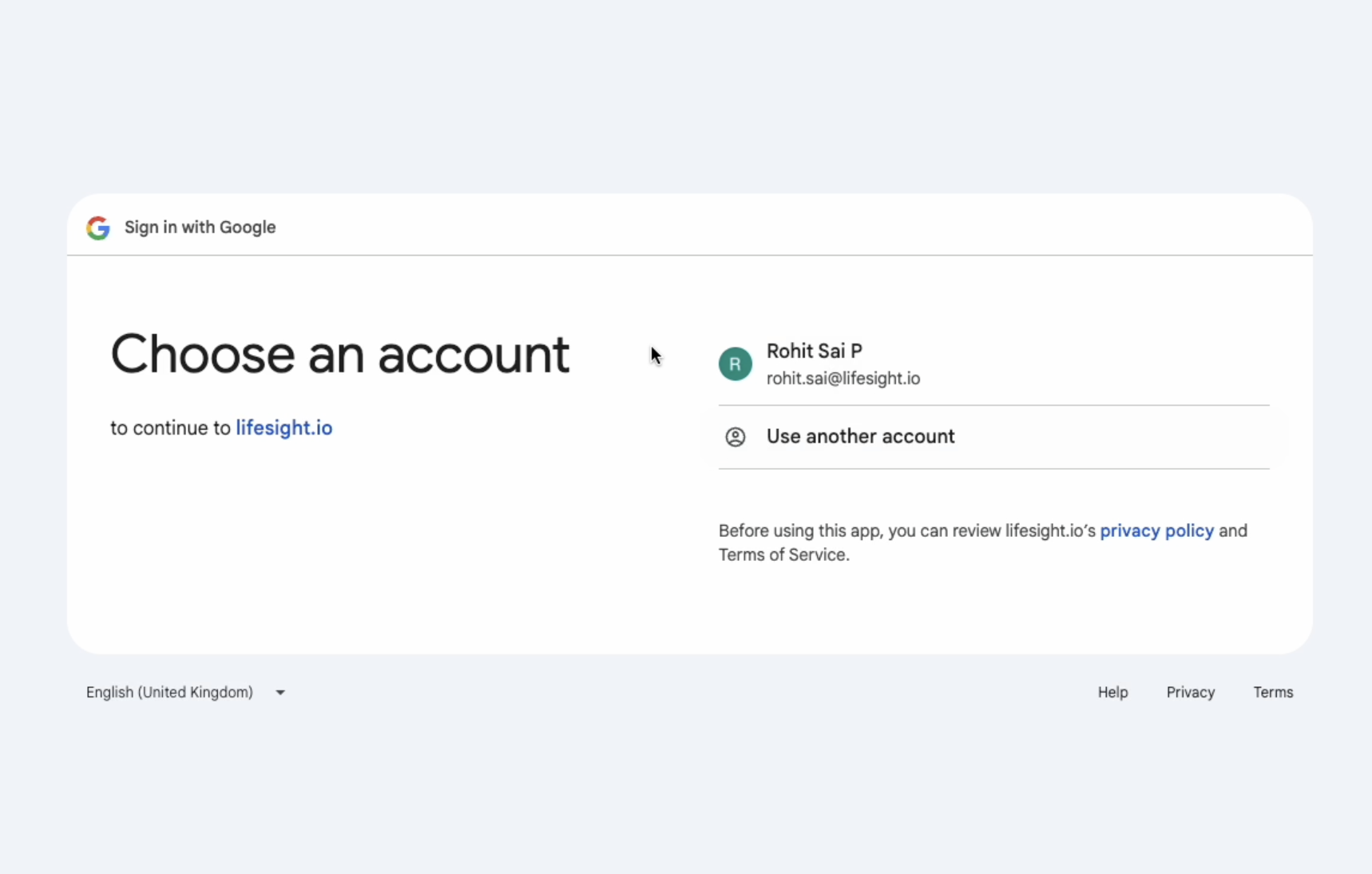
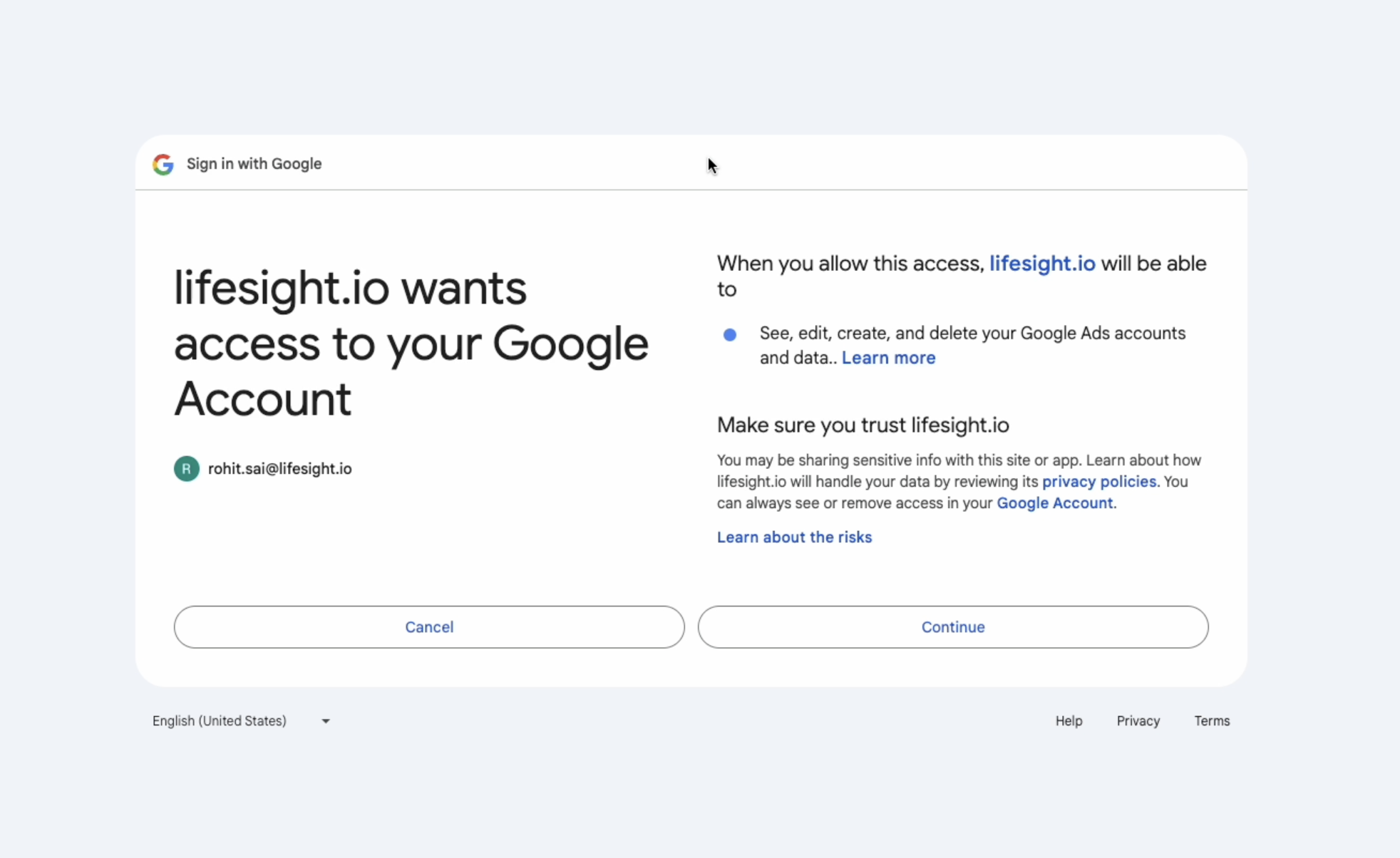
- Once you have successfully logged in, the status of the integration will change to ‘partial’ on the Integration page.
- Click on the Google Ads tile and select an ad account you want to use with the workspace.
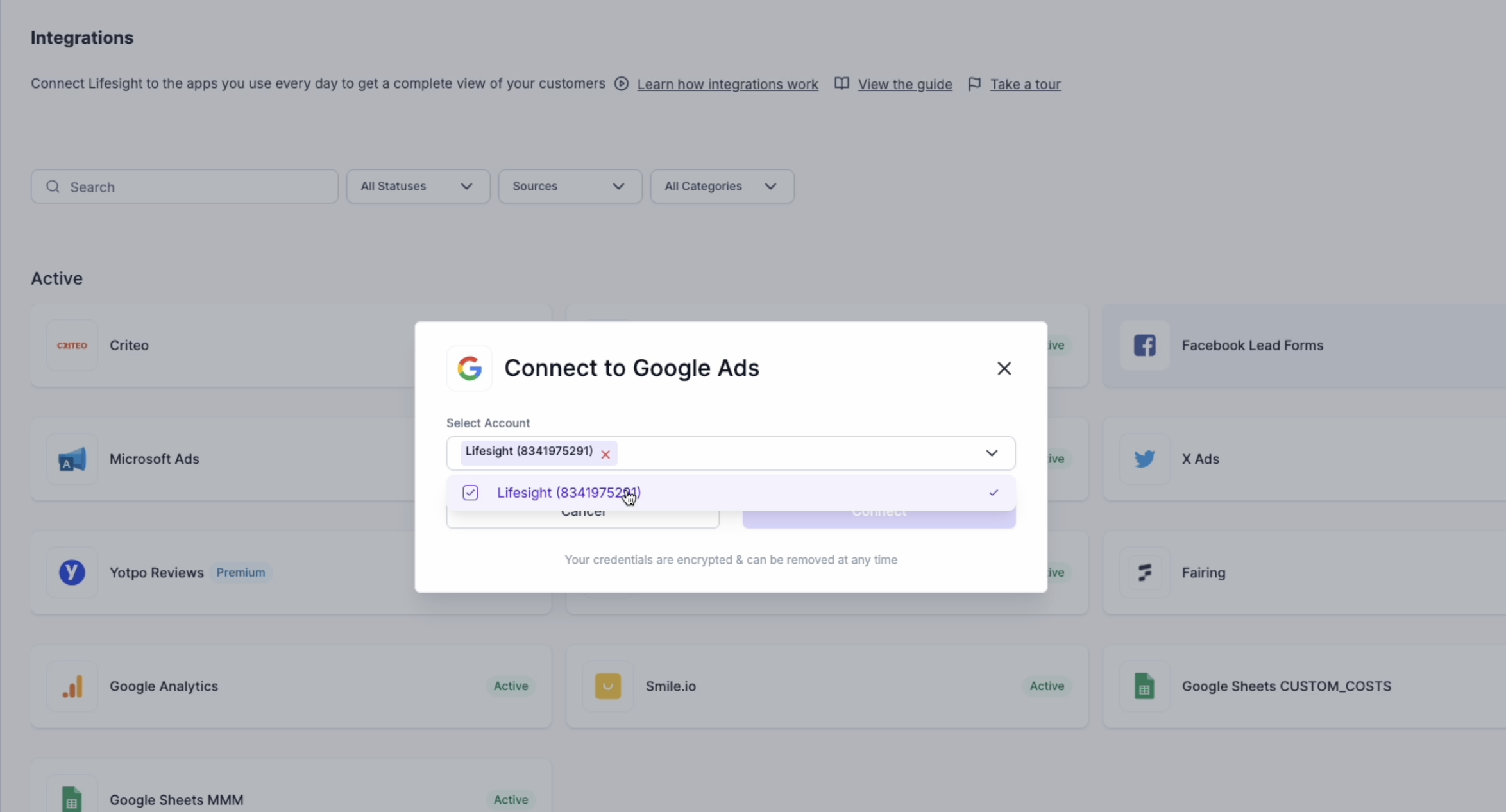
- The status will get changed to ‘Active’ and the ad data from the designated account will be available in the Attribution dashboard for unified reporting.
View Google ads synced data
- Click on the Google ads tile once your integration is Active.
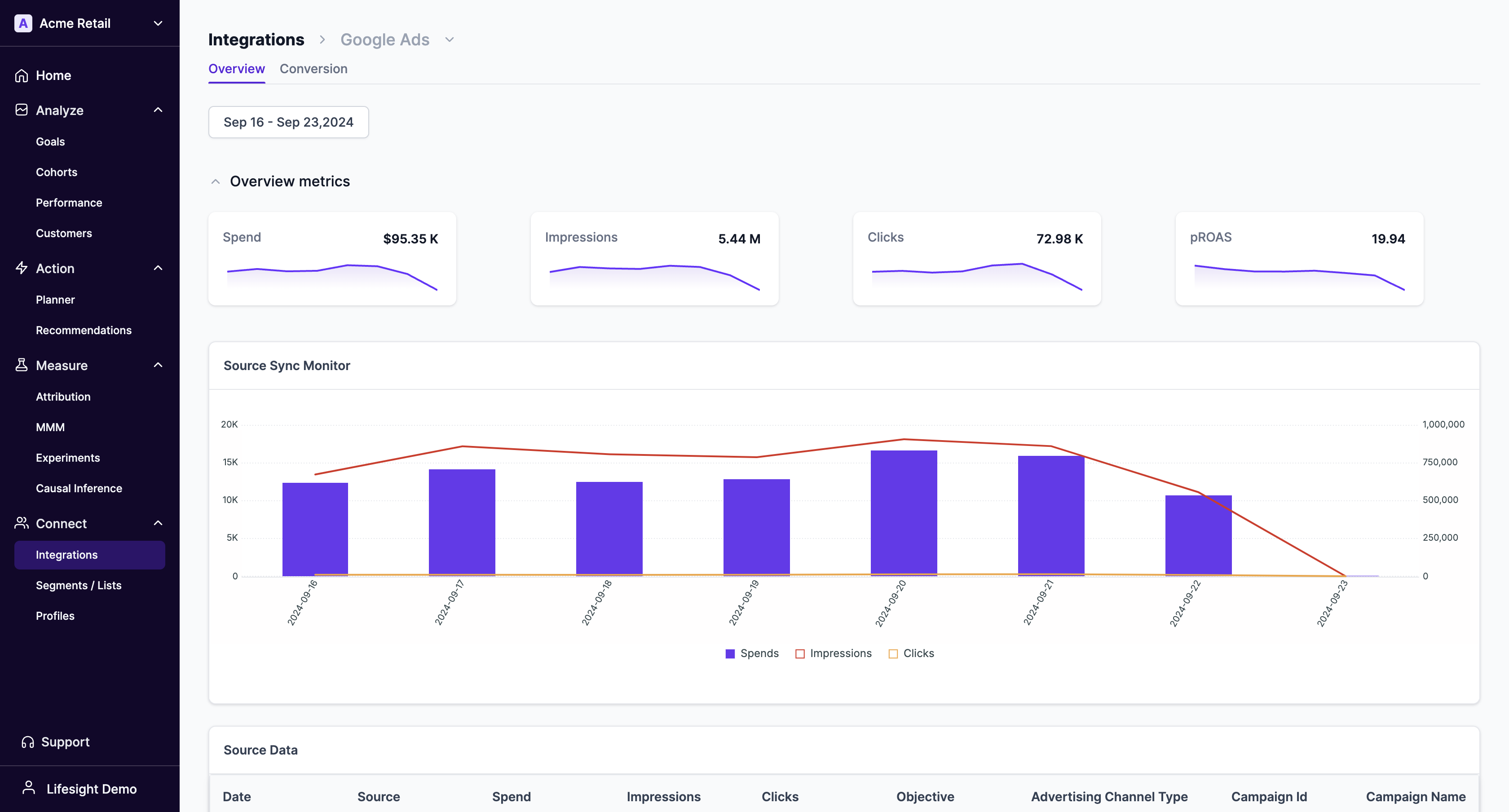
- Switch to the Conversions tab to view all conversions and event setup.
Updated 10 months ago
Did this page help you?